Free video templates for creators
Channel trailers, vlog titles, stream overlays, sponsor lower thirds, media kits and outros for YouTubers, streamers and podcasters.
About these templates
Running a channel means producing the same graphics every week: an episode title for the vlog, a subscribe bell, a “part 2” outro, a sponsor lower third, a comment-of-the-week card, a Q&A answer frame, a reaction-cam border, a collab announcement, an upload-day teaser and a stream overlay. This category collects them in 16:9 for YouTube and streaming and 9:16 for teasing the upload on Shorts and Reels. A media kit and gear list cover the business side.
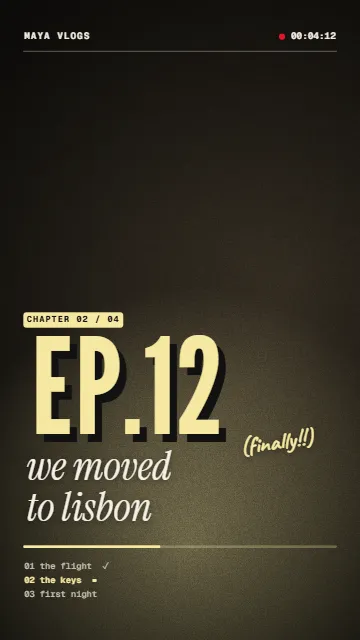
Treat the category as a channel kit. Set your colours and handle once, save the project and pull the pieces into every edit. Podcasters get an audiogram-style clip template with a waveform for sharing episodes; streamers get an overlay with space for the webcam and chat; vloggers get episode titles that number the series. Export at 1080p for free or 4K on Pro for the channel trailer that sits at the top of your page.
Creators templates 36
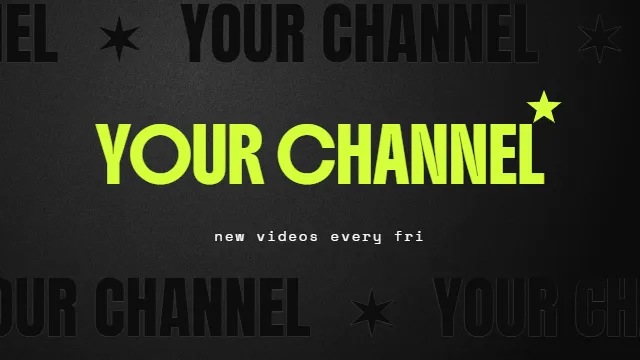 Channel intro
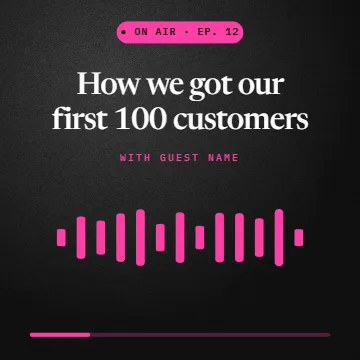 Podcast clip
 Day in my life
 Before / after
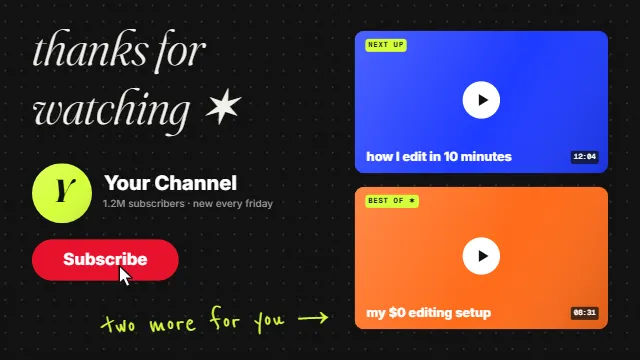 ProEnd screen
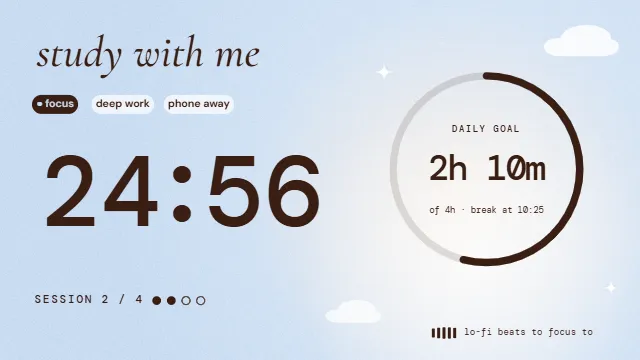 ProStudy with me
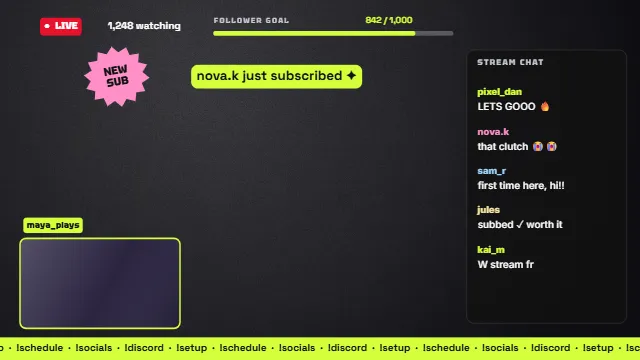 Stream overlay
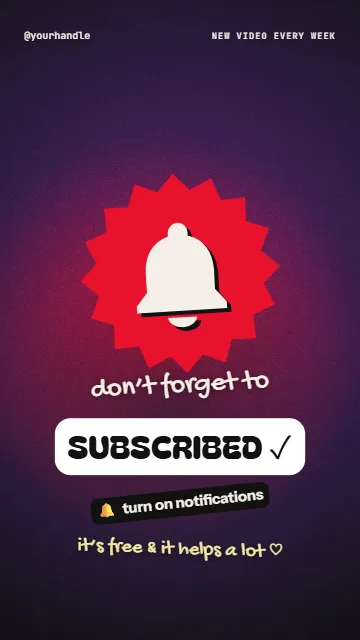 Subscribe bell
 ProUpload day
 Media kit
 Vlog episode
 Sponsor lower third
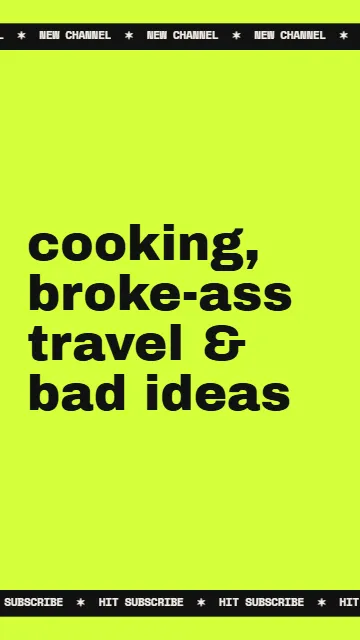 Channel trailer
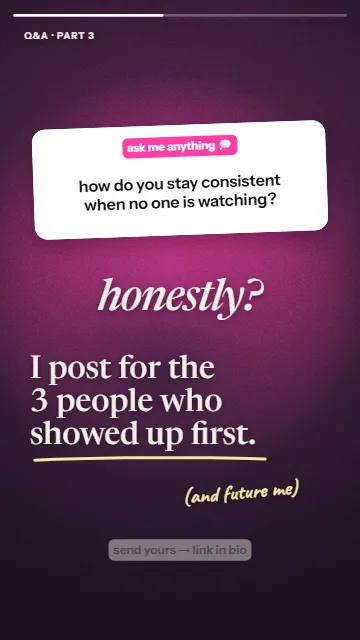 Q&A answer
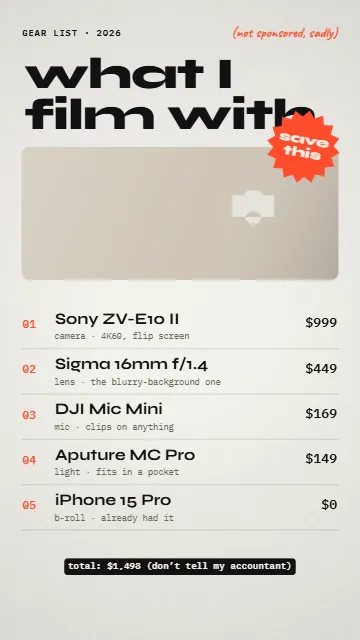 Gear list
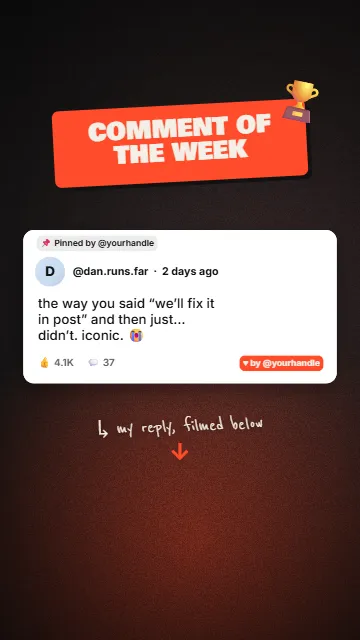 Comment of the week
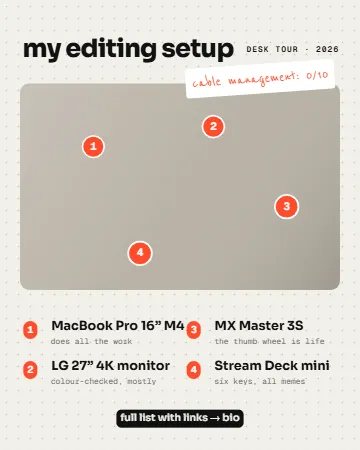 Desk setup
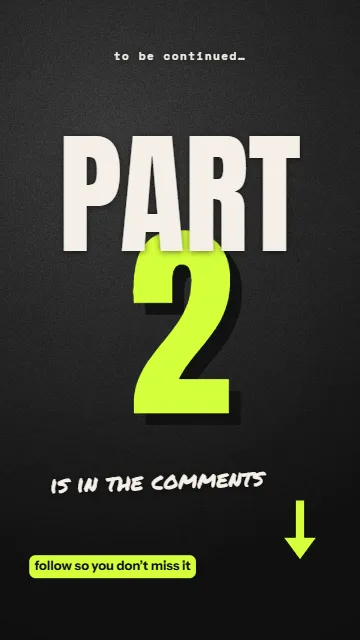 Part 2 outro
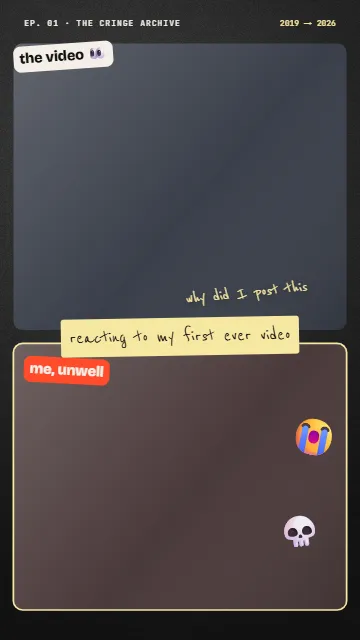 Reaction cam
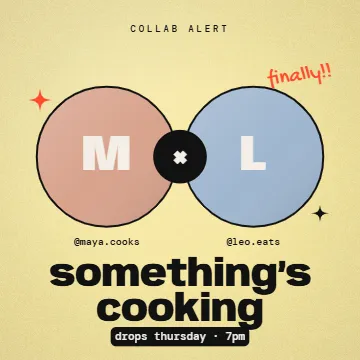 Collab announcement
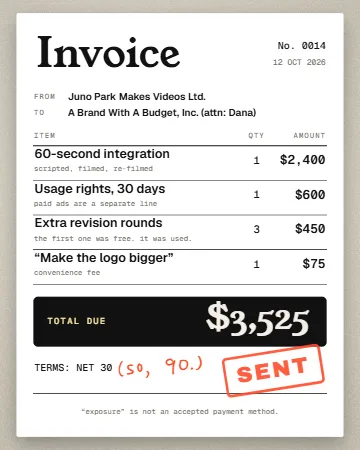 ProBrand deal invoice
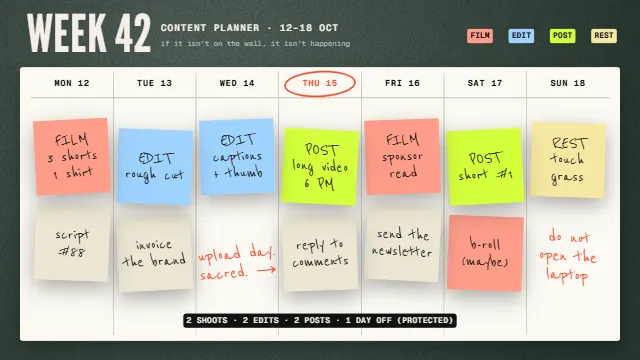 ProContent wall planner
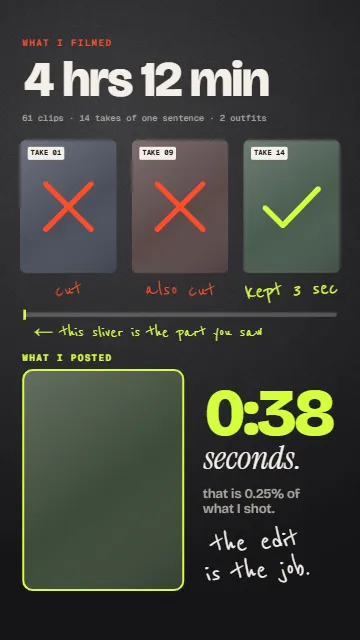 Filmed vs posted
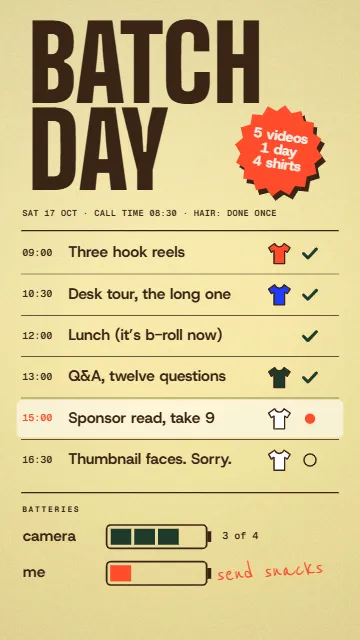 ProBatch filming day
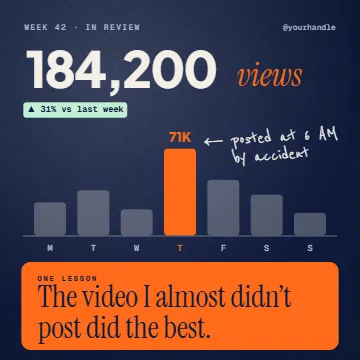 Week in review
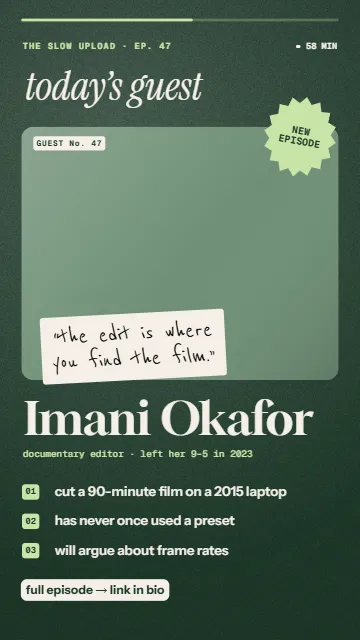 Podcast guest intro
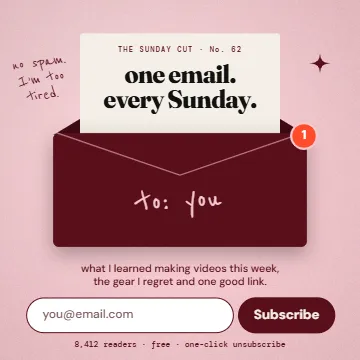 ProNewsletter sign-up
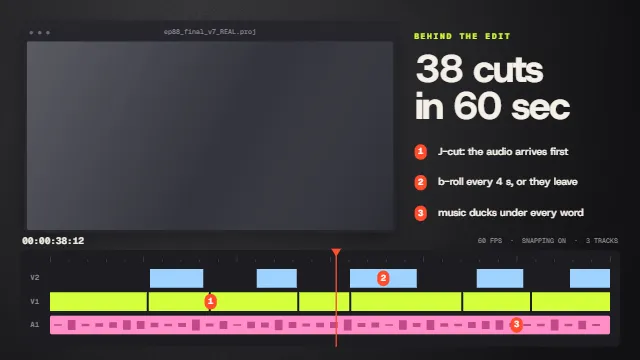 ProBehind the edit
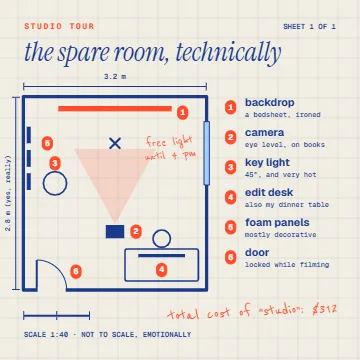 ProStudio floor plan
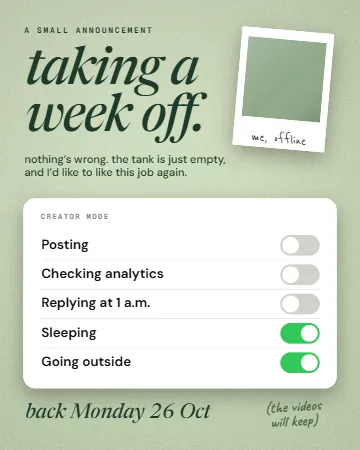 ProTaking a week off
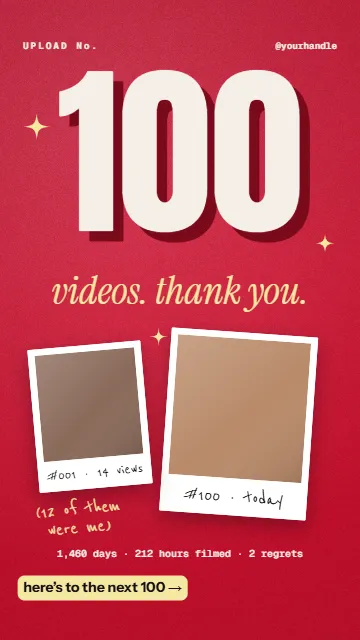 100th video thank-you
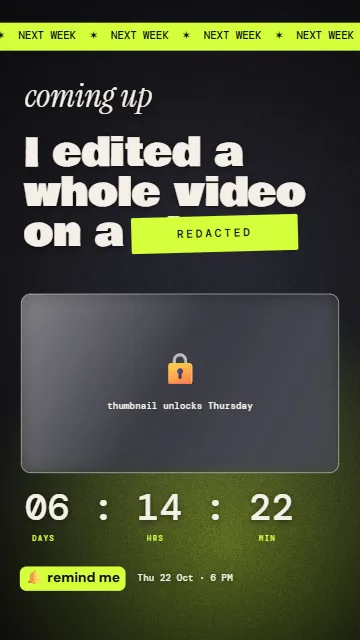 Next video teaser
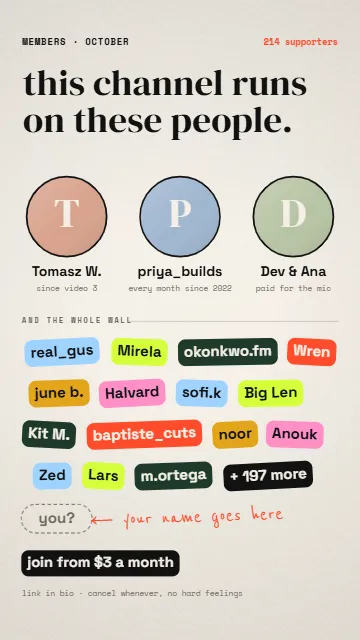 Supporter wall
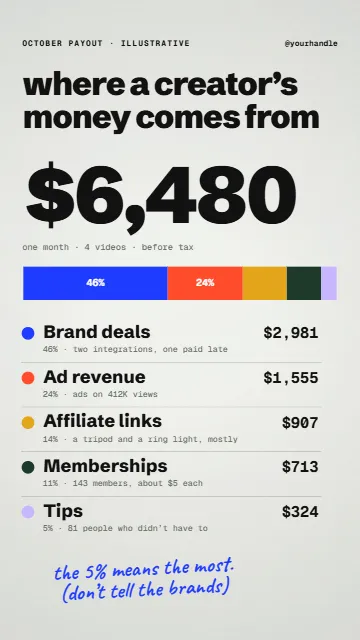 Creator income split
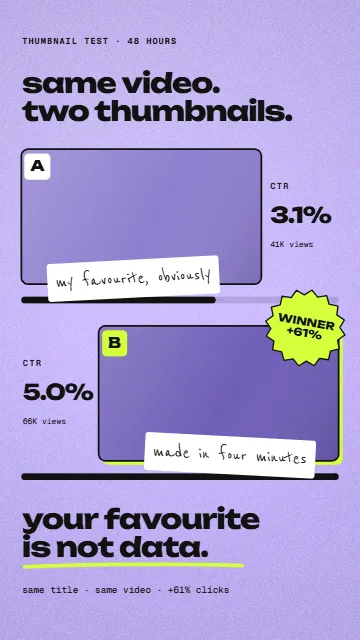 Thumbnail A/B test
 Sticker poster
Make them work harder
Name the sponsor properly
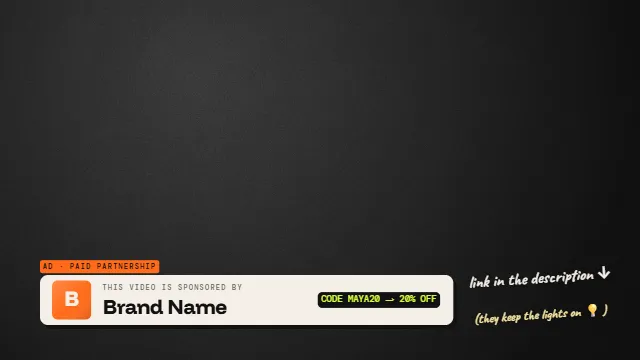
The sponsor lower third has fields for brand and offer. Put the code or URL in the second line so viewers can act on it while you talk.
Tease every upload vertically
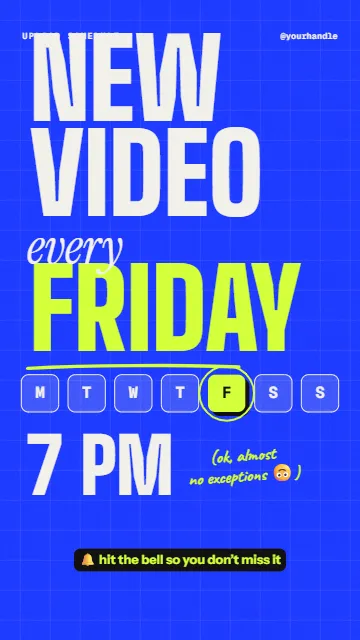
Cut a 15-second 9:16 teaser with the upload-day template and post it to Shorts and Reels the morning the video goes live. It costs five minutes and pulls a different audience.
Keep the media kit factual
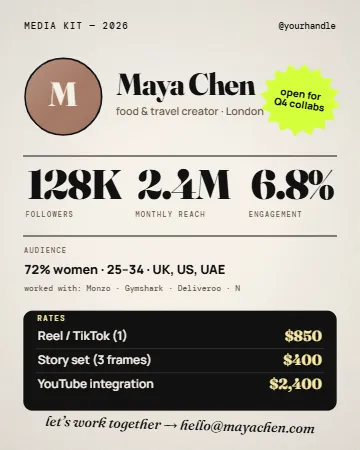
Audience size, average views, demographics, past partners. The media-kit template has room for four numbers; use real ones and update it quarterly.
Questions? Answers.
Are the creator templates free?
Yes. Edit any of them with a free account; exports are 720p with a small watermark. Paid plans remove it and Pro exports 4K. Premium templates are part of the Pro plan.
Can I use the overlays while streaming?
The templates export as MP4, so you can use a rendered overlay as a scene element or intro in your streaming software; they are not live browser sources.
Can I make a podcast clip with a waveform?
Yes. The podcast-clip template has a waveform and quote; drop in your audio and a cover image and trim to the best 30 seconds.
Which sizes are included?
Mostly 16:9 for YouTube and streams and 9:16 for Shorts, Reels and TikTok. Magic Resize converts between them.
Free video templates for creators
Free account · No credit card · Opens in your browser
Start with “Channel intro”