Free tech and SaaS video templates
Changelogs, version releases, public roadmaps, onboarding steps, case studies and build-in-public numbers for software teams and indie makers.
About these templates
Software companies ship constantly and announce almost none of it, because a release note is dull to design. This category makes the announcement the easy part: a weekly changelog with NEW, IMPROVED and FIXED rows, a v2.0 release reveal, a release countdown, a “what’s new” sheet sliding up on a phone, a Now / Next / Later roadmap, a setup-in-three-steps checklist, a screenshot with numbered callouts, an integrations grid, an “old way vs us” table and an AI feature demo in which the prompt types itself.
The tone is the one developers use with each other. Alongside the customer case study, the security trust card and the 10,000 users milestone you get a status page that turns red at 4:59 on a Friday, an outage postmortem told as a timeline, a job ad written as a pull request and a certificate for “It Works On My Machine”. Founders building in public have an MRR update, a launch-day upvote card and a commit graph of the week. Most designs are 9:16; square and 4:5 cards suit the LinkedIn and X feeds, and 16:9 covers the terminal demo and the roadmap.
Tech & SaaS templates 45
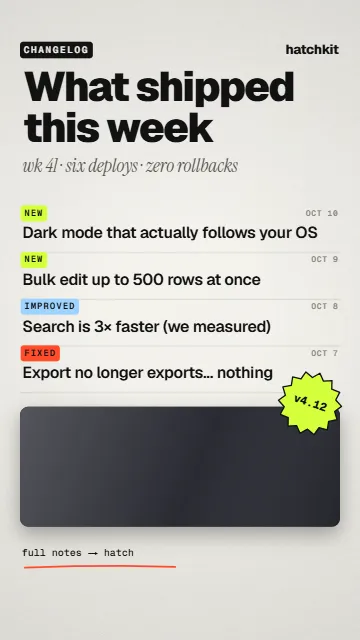 Weekly changelog
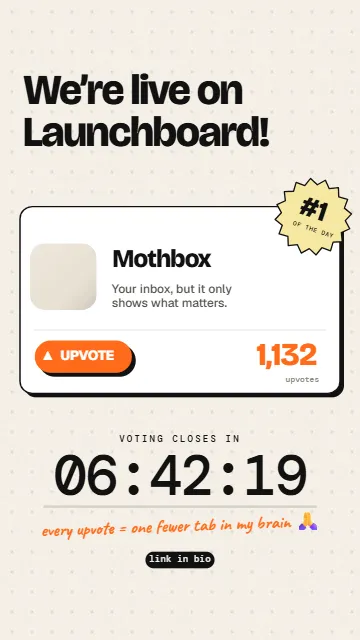 Launch-day upvotes
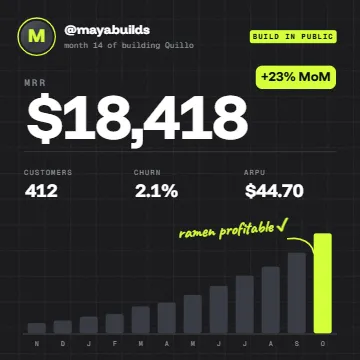 ProBuild-in-public MRR
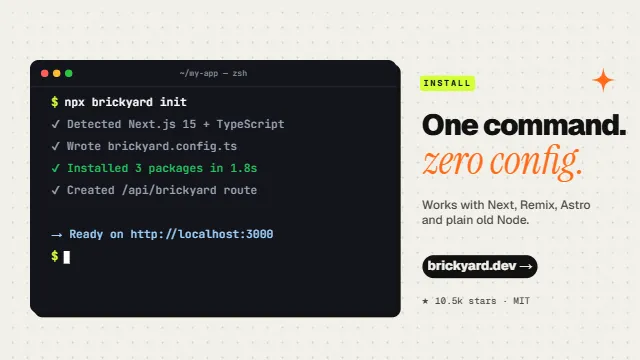 ProTerminal install demo
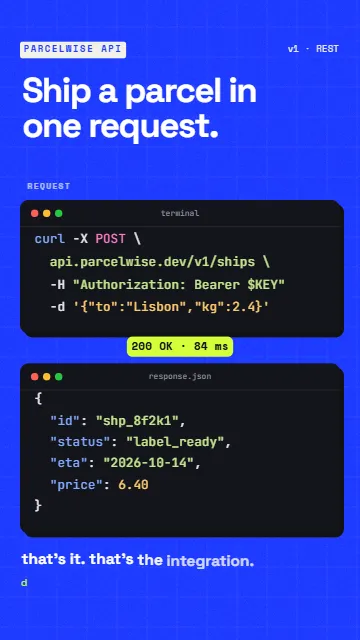 ProAPI call + response
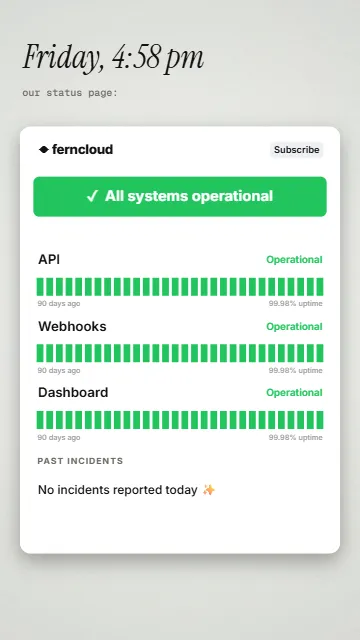 Status page outage
 Bug or feature?
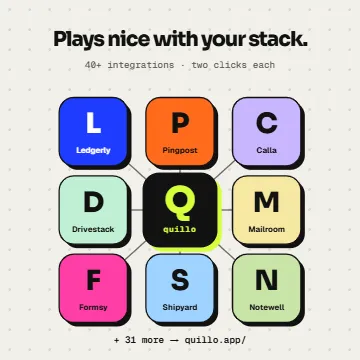 Integrations grid
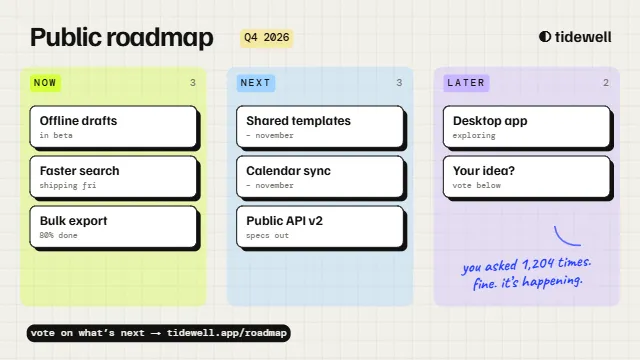 Now / Next / Later
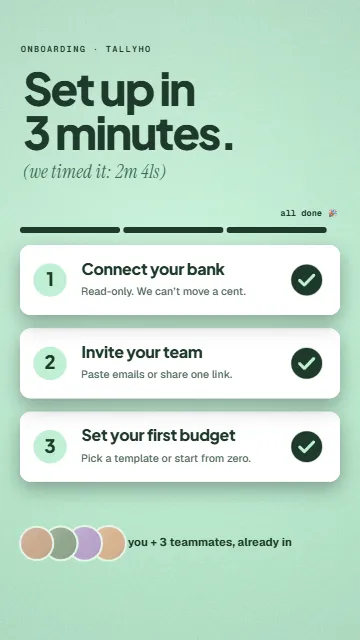 Setup in 3 steps
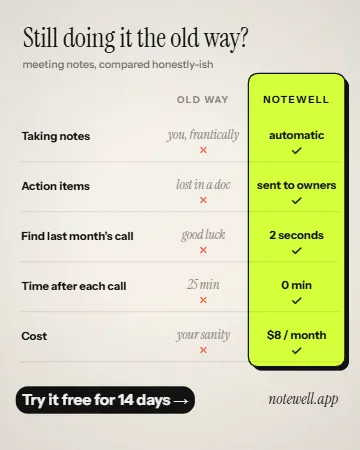 Old way vs us
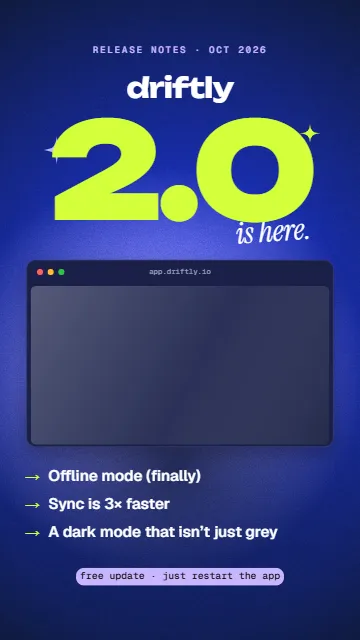 Prov2.0 release
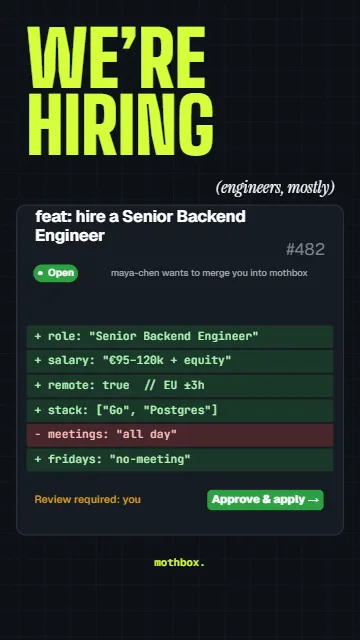 Hiring pull request
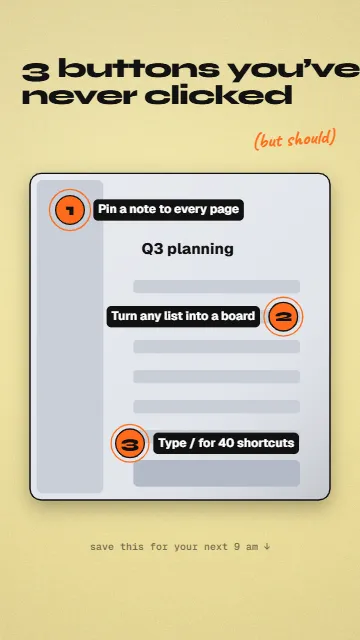 Screenshot callouts
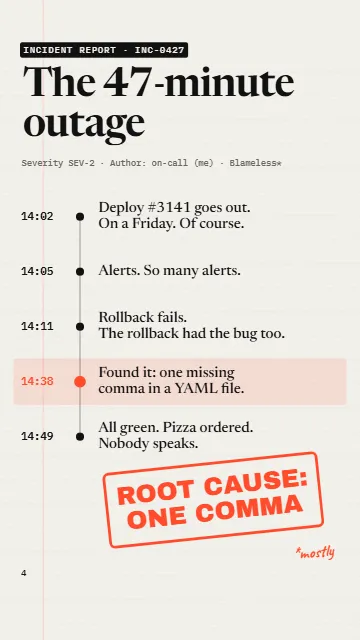 Outage postmortem
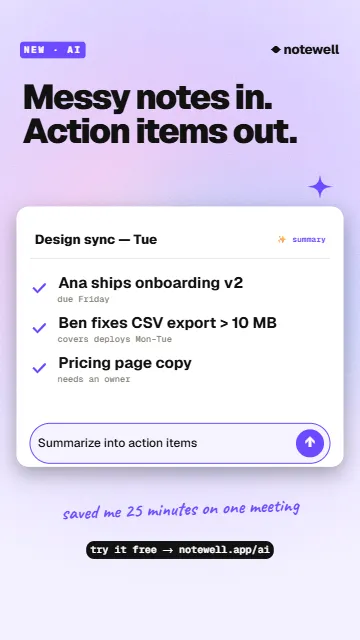 ProAI feature demo
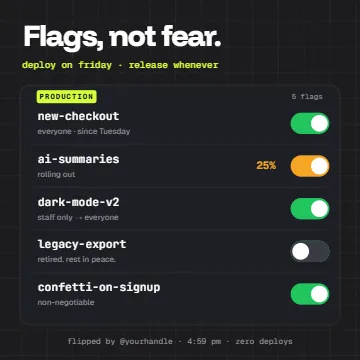 ProFeature flag board
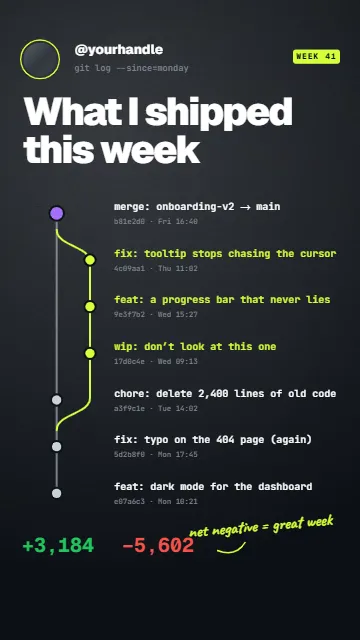 What I shipped
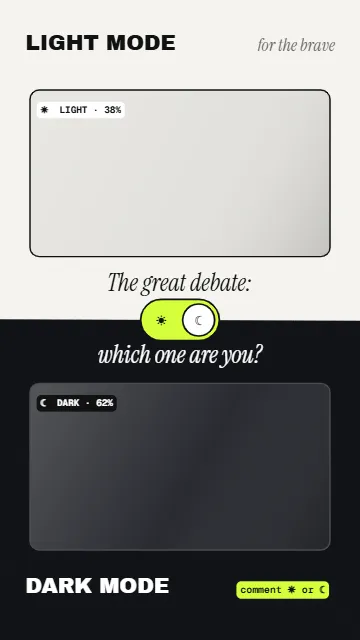 Light vs dark mode
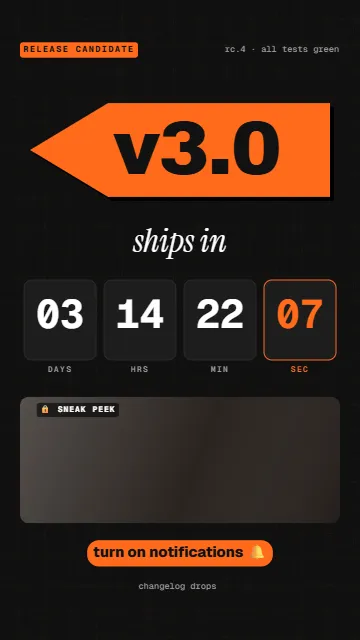 ProRelease countdown
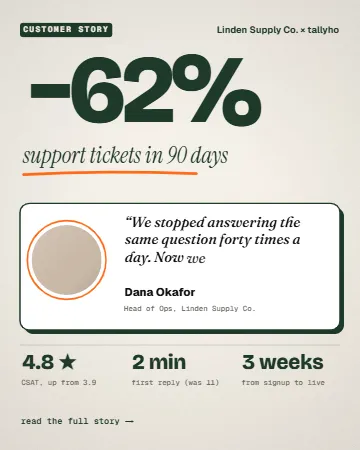 Customer case study
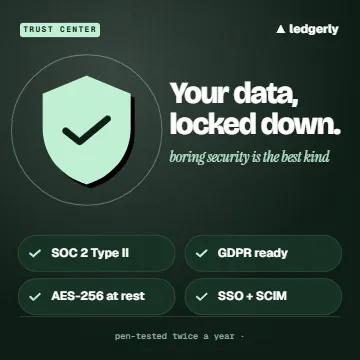 Security trust card
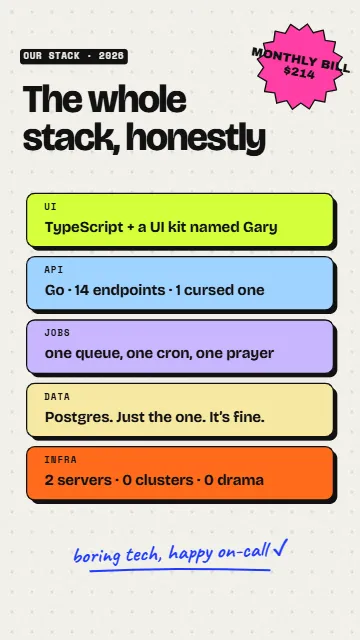 ProOur tech stack
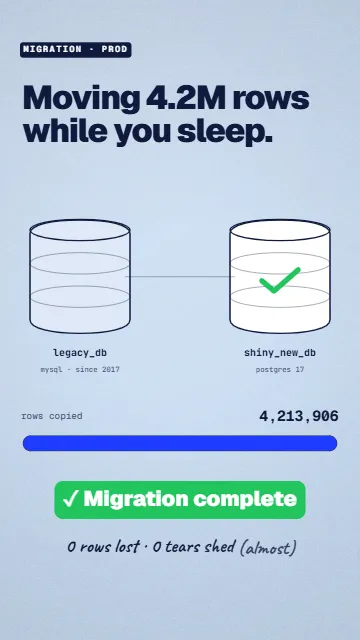 ProData migration
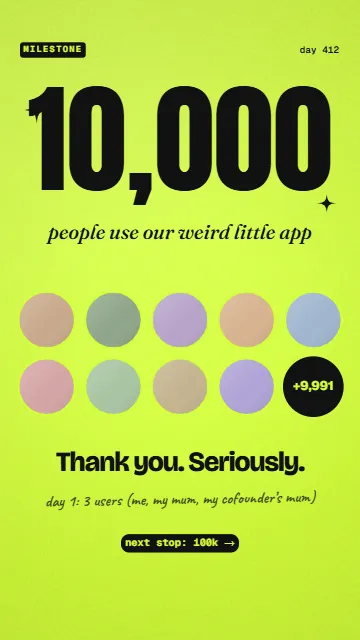 10,000 users
 Beta tester invite
 404 sale promo
 What’s new sheet
 ProCloud bill cut
 Works on my machine
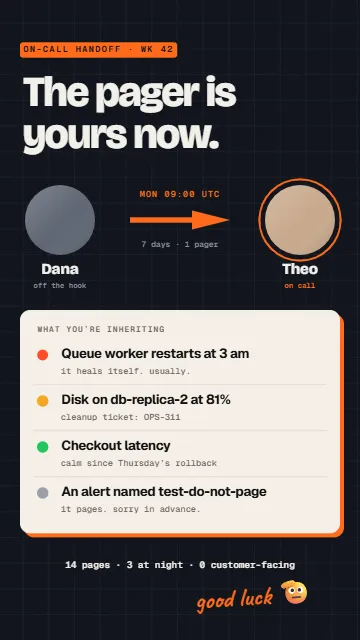 ProOn-call handoff
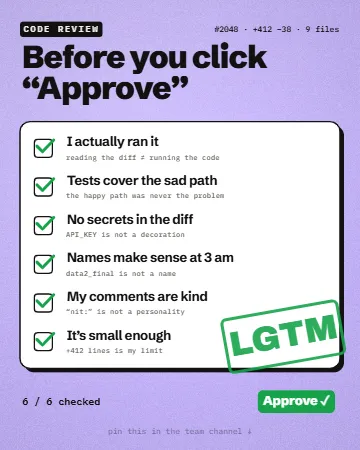 Code review checklist
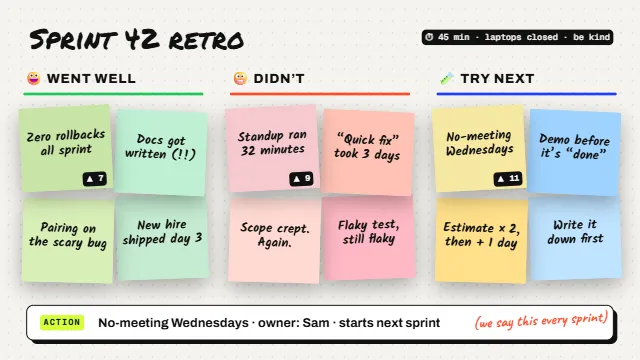 Sprint retro board
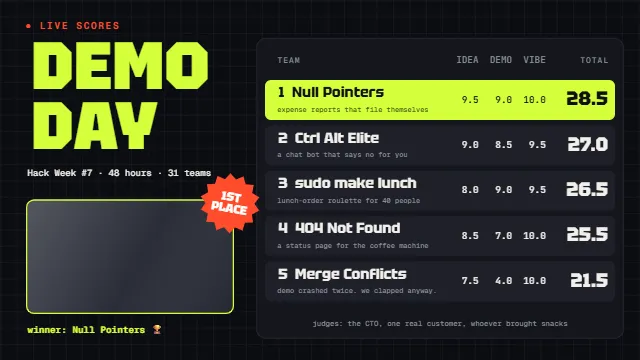 ProHackathon scoreboard
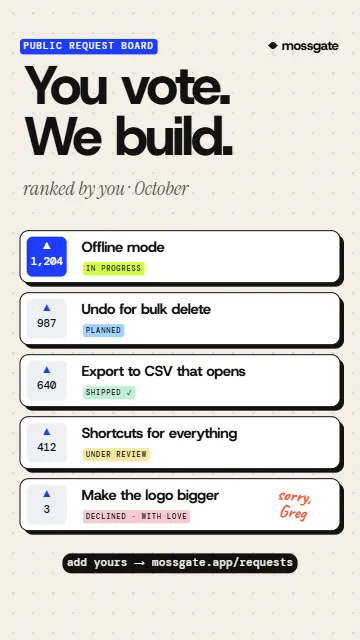 Feature request board
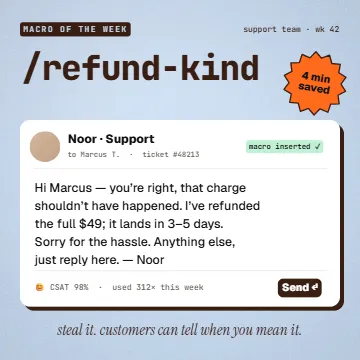 Macro of the week
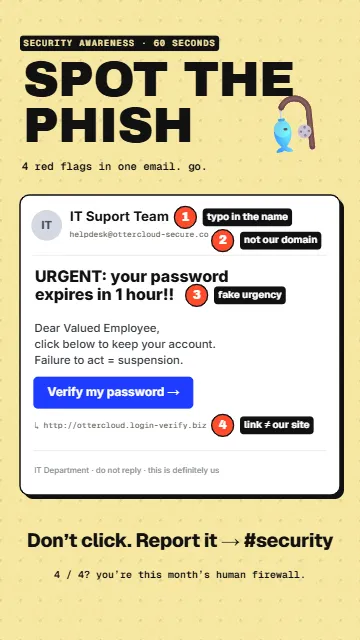 ProSpot the phish
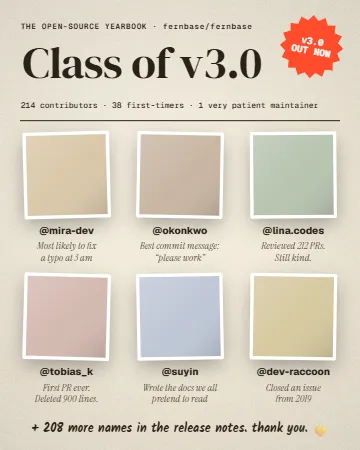 Contributor yearbook
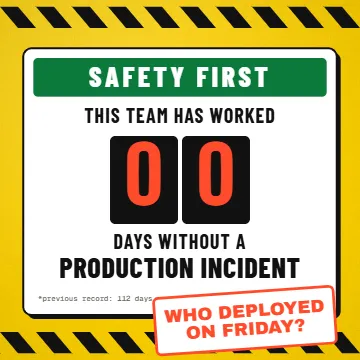 Days since incident
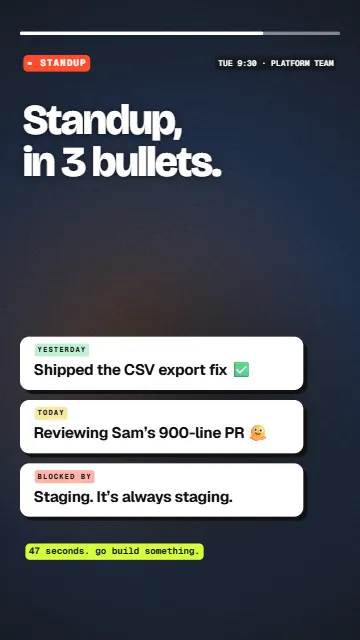 Standup in 3 bullets
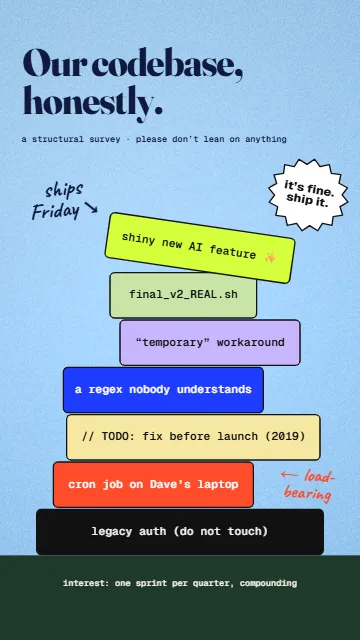 Tech debt tower
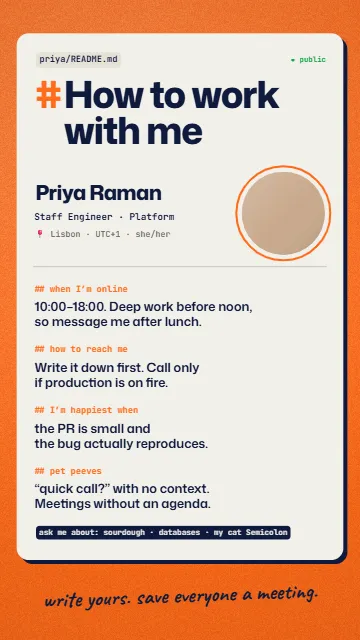 How to work with me
 Planning poker reveal
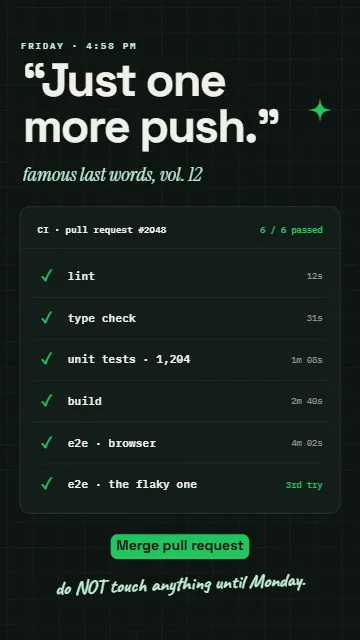 ProCI checks on Friday
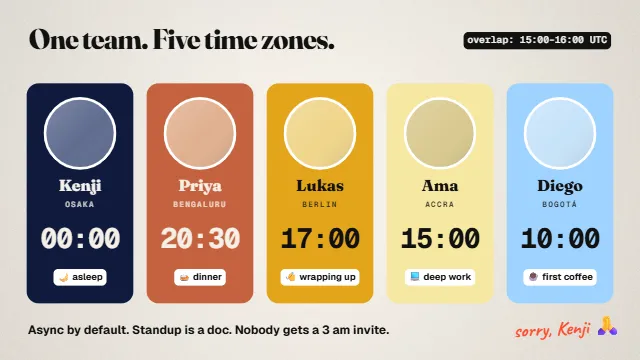 Team time zones
Make them work harder
Ship the changelog video with the release
Keep one changelog project per product. On release day, type this week’s three or four lines over last week’s, export and post it next to the written notes.
Show real screenshots, framed tight
The callout, light-versus-dark and v2.0 designs each have a slot for your own screenshot. Capture only the part of the interface that changed so it stays legible on a phone.
Share numbers you can stand behind
MRR, user counts and the result in a case study are typed in by you. Use the real figure and name the period; a build-in-public post is only worth following if it is also true in the bad months.
Questions? Answers.
Are the SaaS video templates free?
Yes. Edit any changelog, release or roadmap template with a free account and export a 720p MP4 with a small watermark. Paid plans export a clean file. Premium templates are part of the Pro plan.
Can I use my own product screenshots and app icon?
Yes. Upload screenshots and your icon as images and place them in the browser, phone and card frames. Each is a layer you can resize and reposition.
Is the code in the terminal and API templates editable?
Yes. Commands, JSON and output lines are text, so you type your own install command, endpoint and response. Keep each line short enough to read on a phone.
Can I record my product and add it to a template?
Yes. CutLuma has a screen recorder, so you can capture a walkthrough, place it on the timeline and put a release or changelog card in front of it.




Free tech and SaaS video templates
Free account · No credit card · Opens in your browser
Start with “Weekly changelog”