Free finance and money video templates
Budget splits, savings trackers, debt payoff comparisons, pay stub breakdowns and money tips for finance creators, advisors, accountants and freelancers.
About these templates
Money content is mostly arithmetic, and arithmetic is easier to follow when it moves. The templates here animate the sums people search for: a paycheck split 50/30/20, a savings jar filling towards a goal, a “where my money went” spending donut, a no-spend month calendar, cash envelopes, a subscription audit with half the list struck out, a net worth line that climbs through zero, a credit score gauge and the yearly cost of a daily latte. Totals count up on screen, so the viewer watches the answer arrive.
Explainers get the wider formats. Compound growth, loan vs lease, rent vs buy and a quarterly revenue slide are 16:9 for YouTube and presentations, while debt snowball versus avalanche, gross versus net pay, an annotated card statement and an inflation basket are 9:16 for short-form. Professionals have an advisor intro card, a small-business P&L snapshot, an overdue-invoice reminder, a freelance rate calculator and a tax deadline countdown. The sample figures are placeholders in dollars; retype every amount, rate and date with your own numbers and currency.
Finance & money templates 45
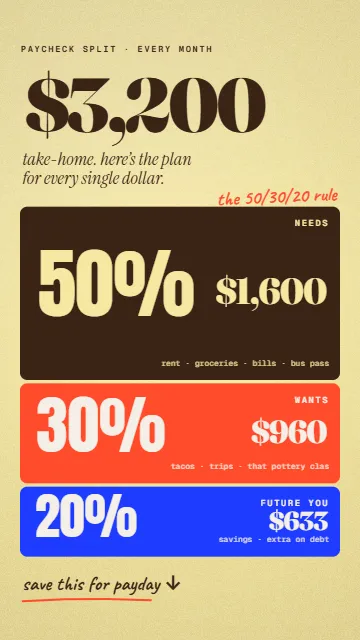 50/30/20 budget
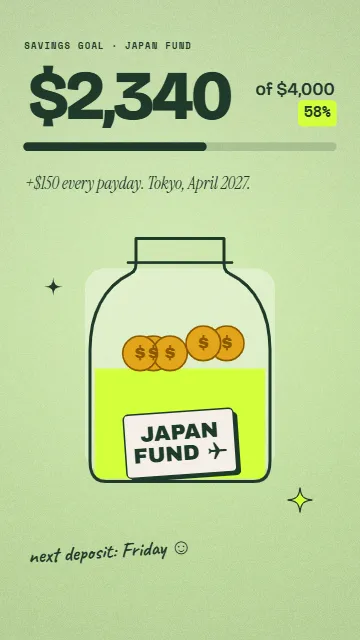 Savings jar
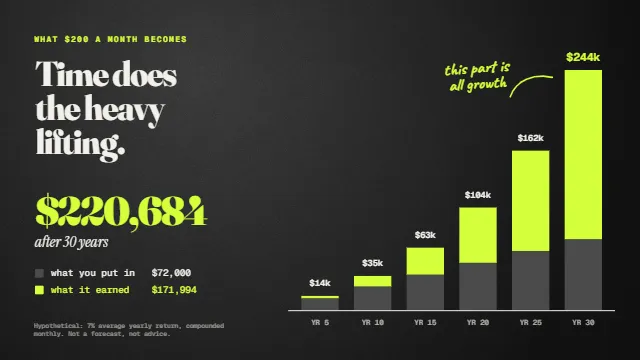 Compound growth
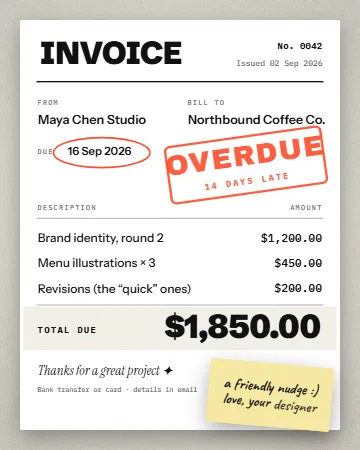 Overdue invoice
 Tax deadline countdown
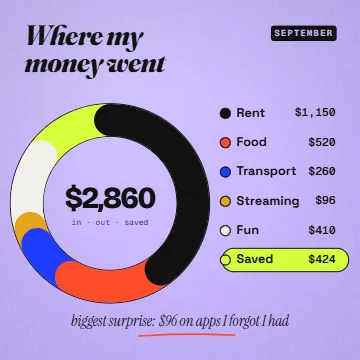 ProWhere my money went
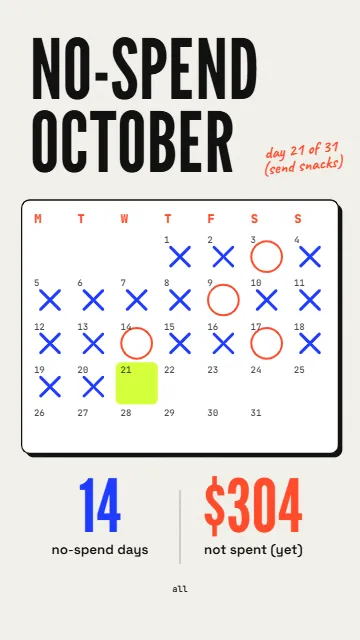 ProNo-spend month
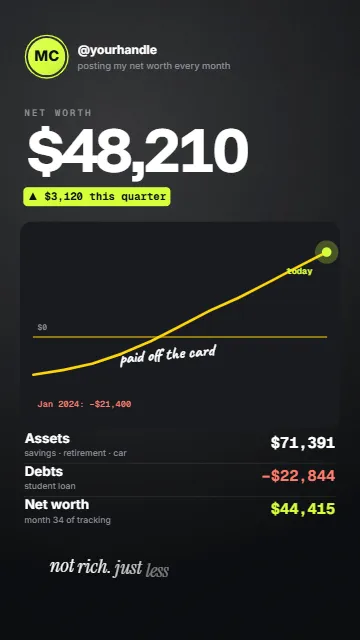 Net worth tracker
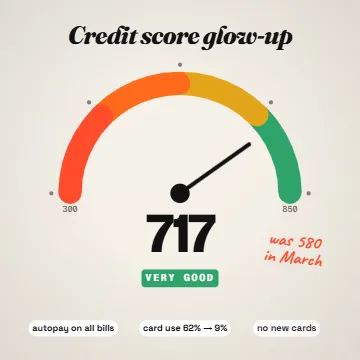 Credit score gauge
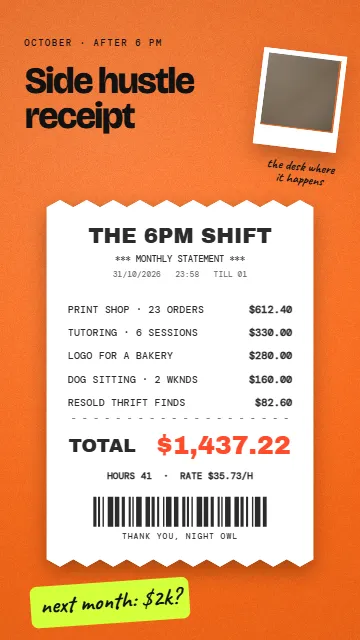 Side hustle receipt
 Money tip of the day
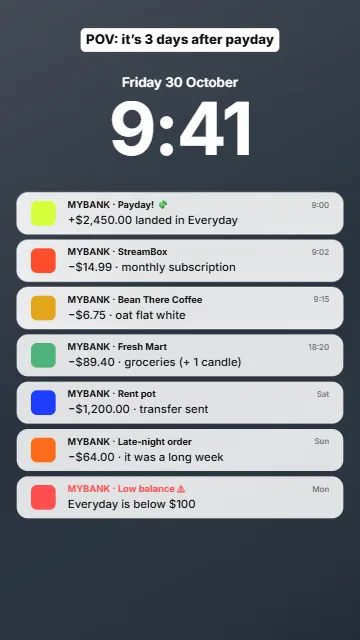 Payday notifications
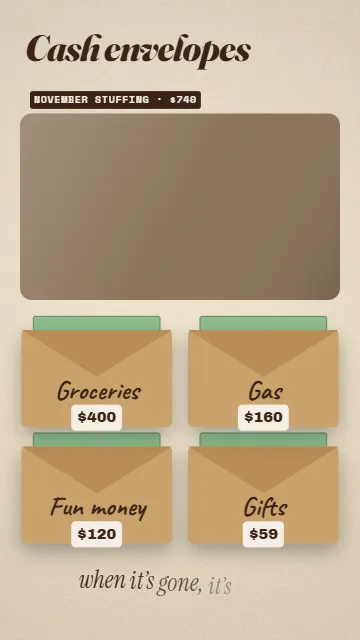 Cash envelopes
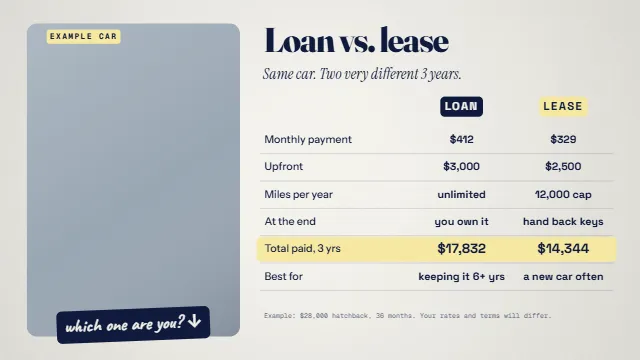 Loan vs lease
 Money person intro
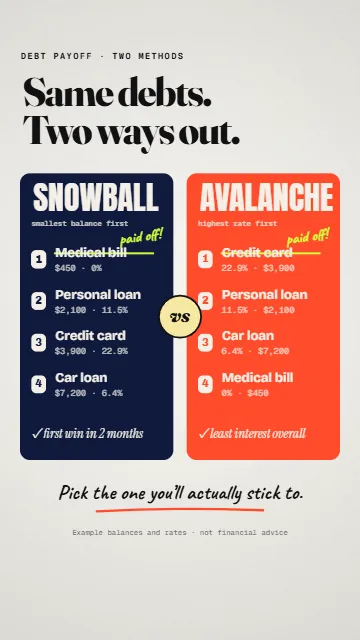 ProSnowball vs avalanche
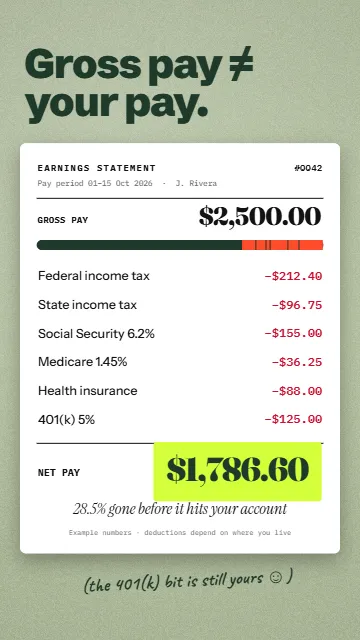 Gross vs net pay
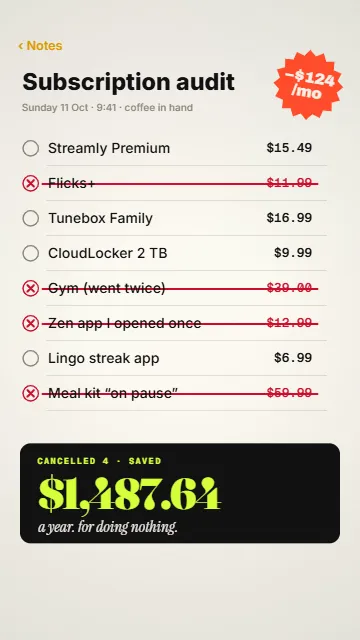 ProSubscription audit
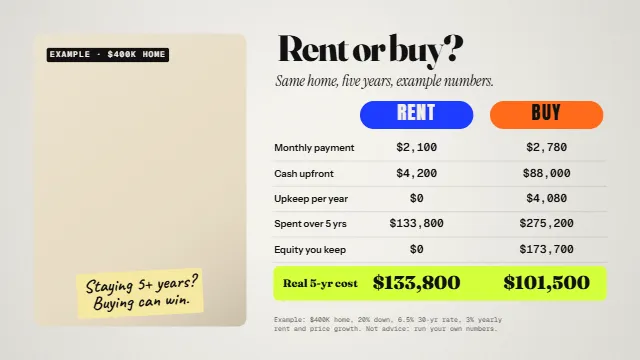 Rent vs buy
 Bills due calendar
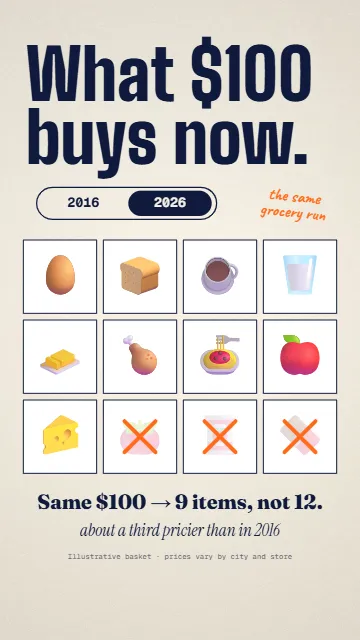 What $100 buys
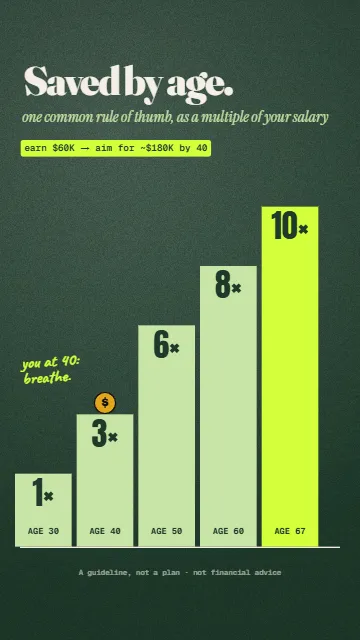 Saved by age
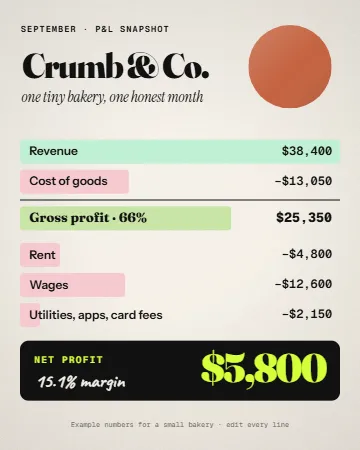 ProP&L snapshot
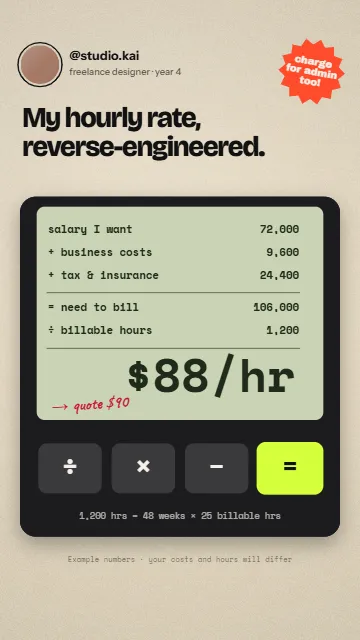 ProFreelance rate calculator
 Money personality quiz
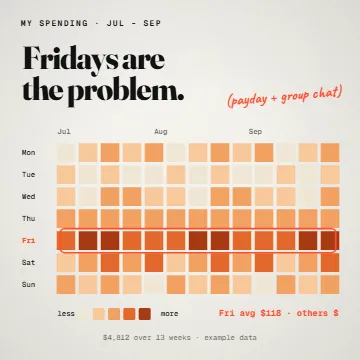 Spending heatmap
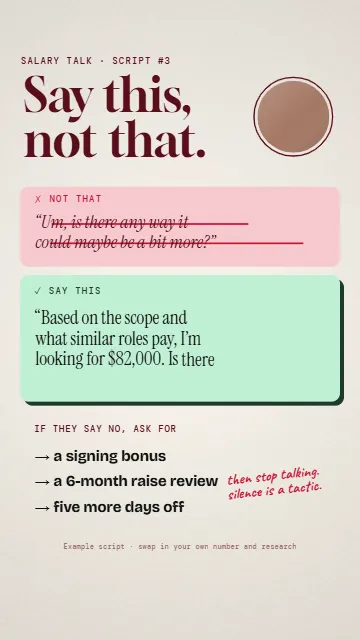 Salary script
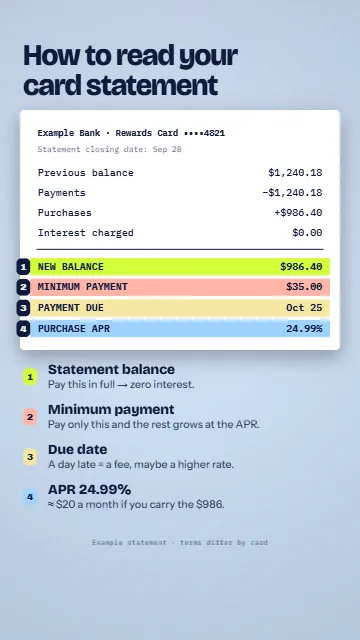 Card statement explained
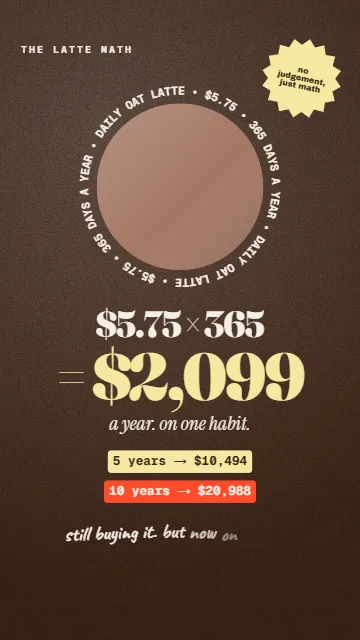 Latte math
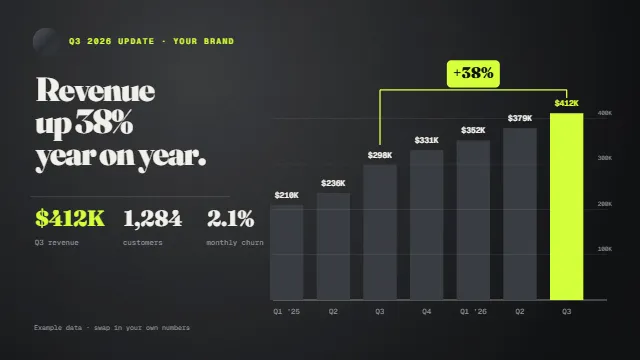 Quarterly revenue
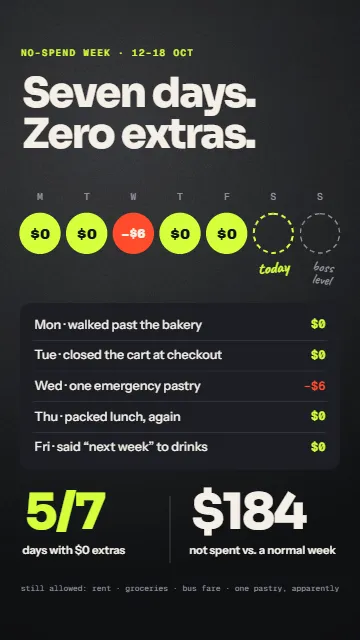 ProNo-spend week
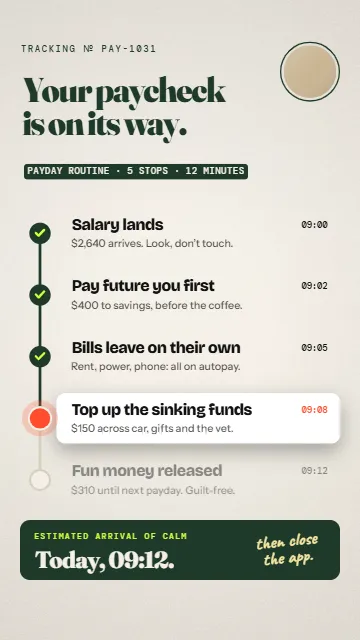 ProTrack your paycheck
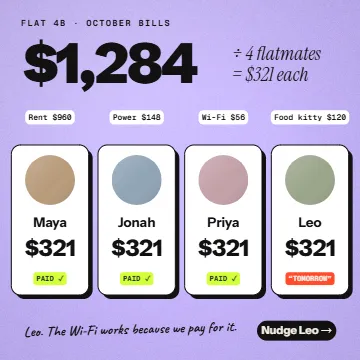 Split the bills
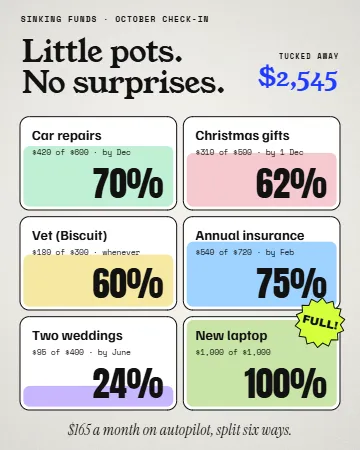 ProSinking funds wall
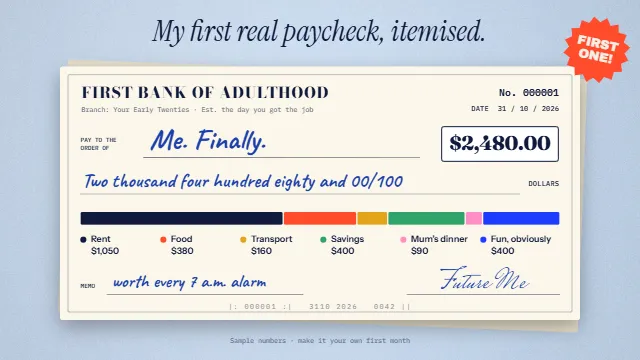 ProFirst paycheck cheque
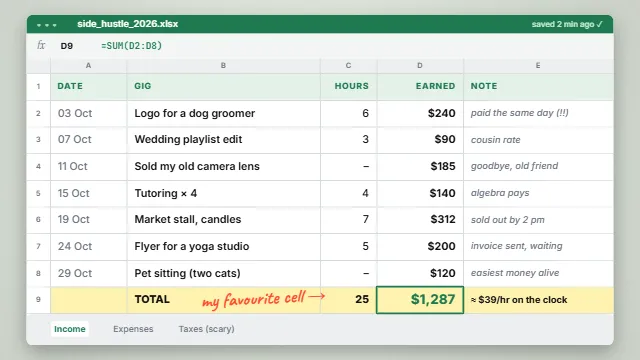 ProSide-hustle sheet
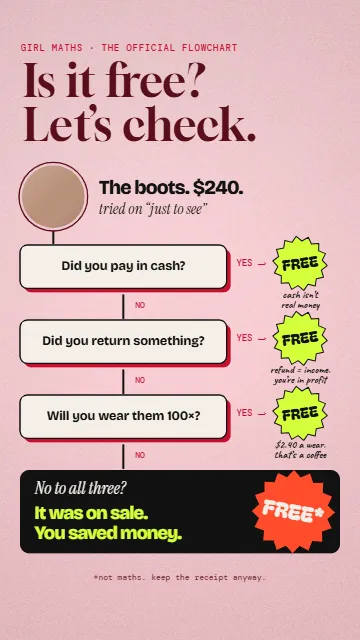 ProGirl maths flowchart
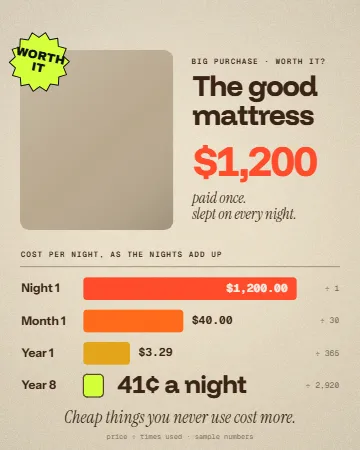 Cost per use
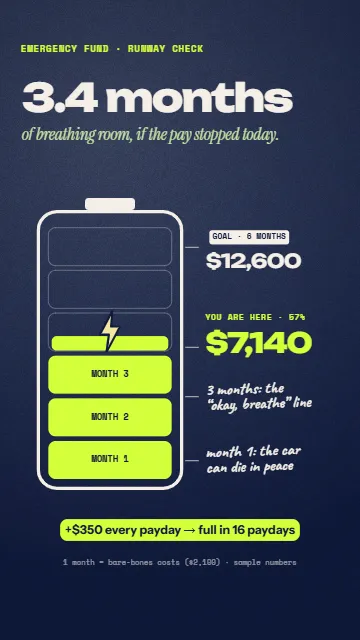 Emergency fund battery
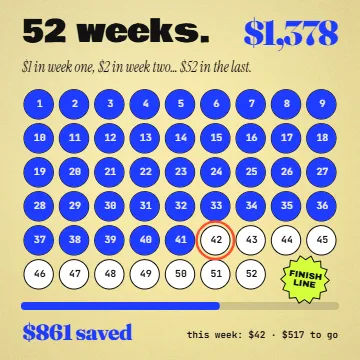 52-week challenge
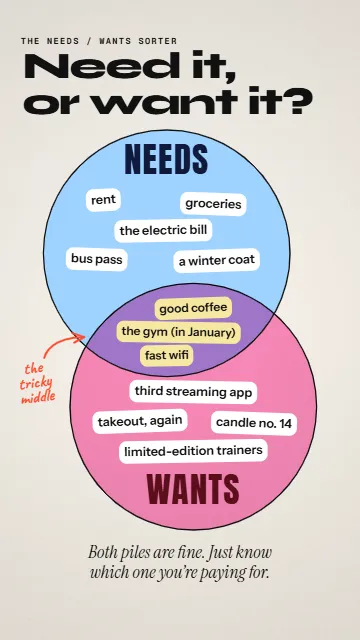 Needs vs wants
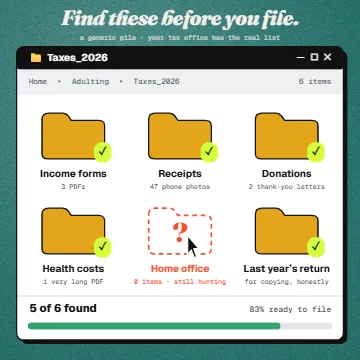 Tax paperwork folder
 Money date menu
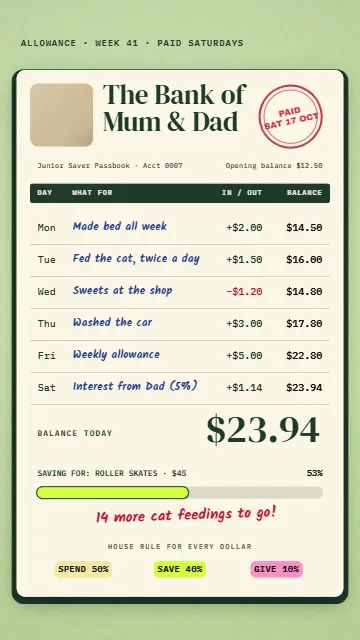 ProAllowance passbook
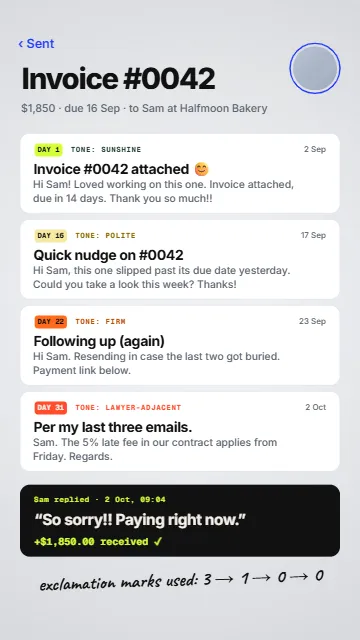 ProInvoice follow-ups
Make them work harder
Change every number before you post
The sample amounts, tax lines and rates are there to show the layout. Replace them with your own and check that the total still adds up, because the design shows what you type and does no sums of its own.
Explain one idea per video
Snowball versus avalanche is a video; so is gross versus net. Resist adding a second concept to the same card and post the two as a series instead.
Say what is education and what is advice
If you are licensed, the advisor intro card states your experience up front. If you are not, add a short line saying the video is general information; it is one extra text clip.
Questions? Answers.
Are the finance video templates free?
Yes. Edit any budget, tracker or explainer template with a free account and export in 720p with a small watermark; paid plans drop the watermark. Premium templates are part of the Pro plan.
Can I change the currency and the amounts?
Yes. Every amount, label and date is editable text, so you can type £, €, ₹ or any other symbol with your own figures. Check that bars and chart segments still match the numbers you enter.
Do the templates calculate the totals for me?
No. They are animated designs, not spreadsheets. You work out the figures, type them in, and the video presents them clearly.
Are these suitable for an accountant or financial advisor?
Yes. The advisor intro, P&L snapshot, tax deadline countdown and 16:9 explainers are plain enough for a practice. Check your regulator’s rules on financial promotions before posting.






Free finance and money video templates
Free account · No credit card · Opens in your browser
Start with “50/30/20 budget”