Free gaming and esports video templates
Stream scenes, match results, brackets, roster announcements, rank-up reveals and clip overlays for streamers, esports teams and anyone sitting on a good clip.
About these templates
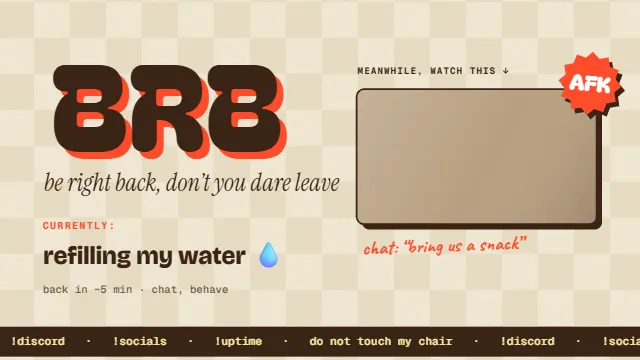
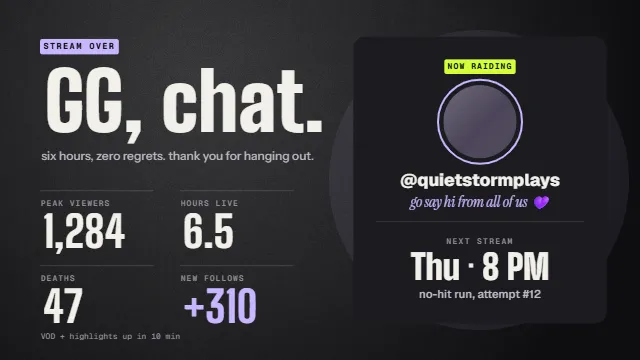
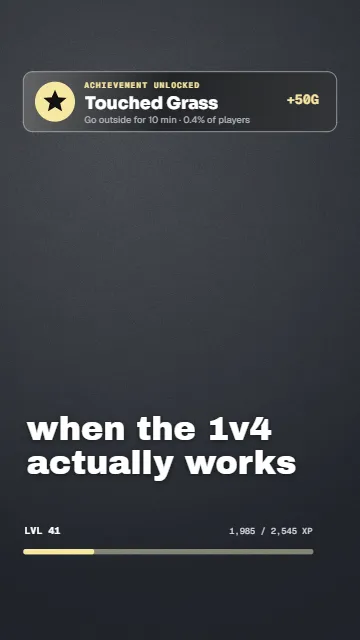
Gaming content splits into three jobs, and this category has templates for each. Streamers get a weekly stream schedule, a cosy “be right back” scene, a just-chatting layout, a sub goal panel, follower alerts and an end-of-stream screen. Teams and tournament organisers get a ranked match result, an eight-team bracket whose lines draw round by round, matchday fixtures and a roster announcement. Clip makers get overlays that sit on gameplay: a kill feed, an achievement toast, a rank-up reveal, speedrun splits and a clip-of-the-week frame.
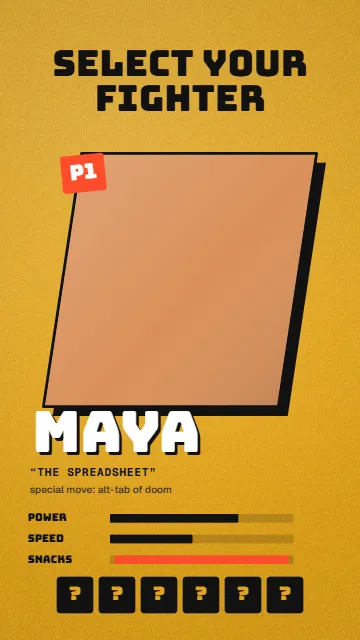
A fourth, less serious shelf borrows game interfaces for everyday life: a boss health bar for the Monday meeting, a quest log of chores, a skill tree for learning to cook and a character-select screen with your own photo. Add patch notes, a loadout card, a game review, a character tier list, a setup tour and a cosplay reveal, and most of a channel’s week is covered. Stream scenes are 16:9; clips and announcements are mostly 9:16, with square and 4:5 cards for the feed. Every score, handle and rank is editable text.
Gaming & esports templates 46
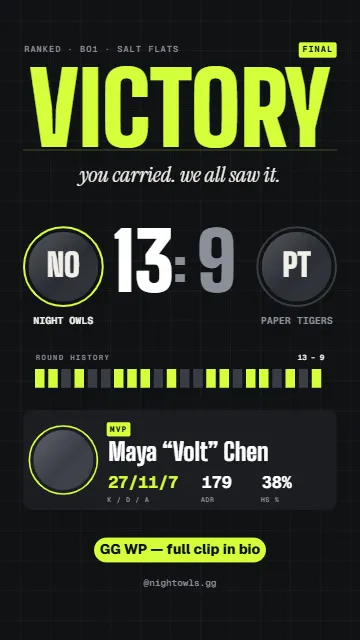 ProMatch result
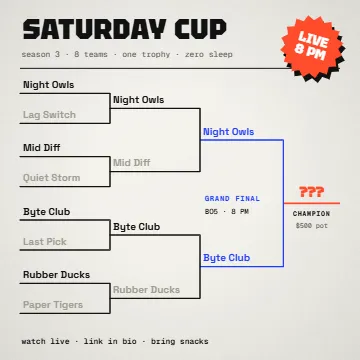 Tournament bracket
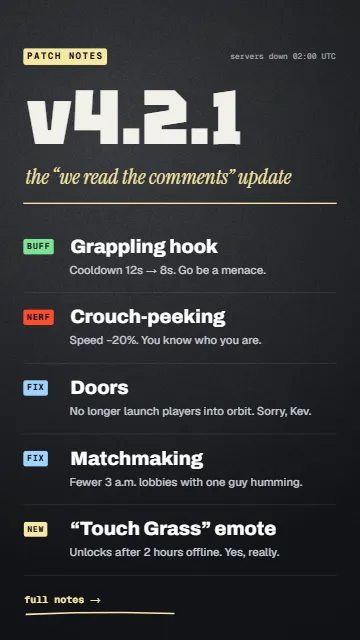 Patch notes
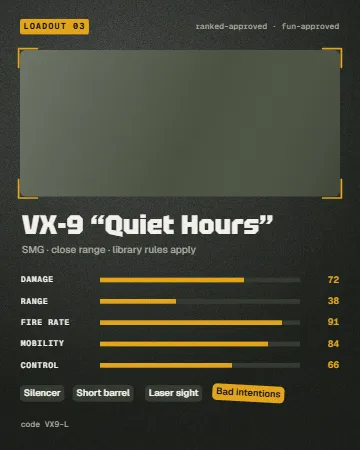 Loadout card
 BRB scene
 Stream ending
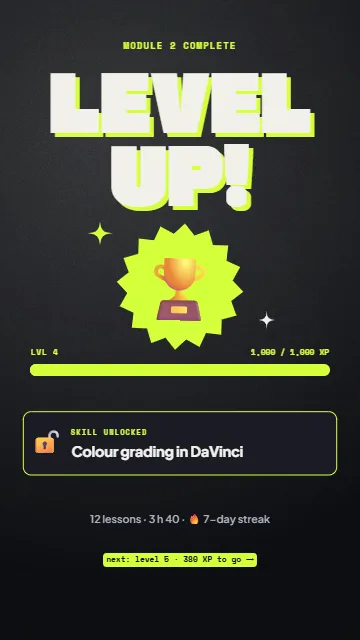
 Achievement unlocked
 Character select
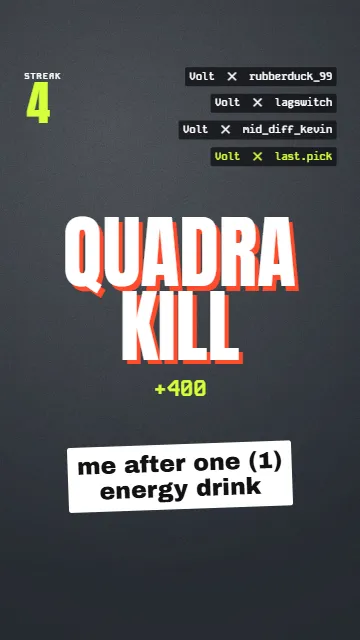 Kill feed
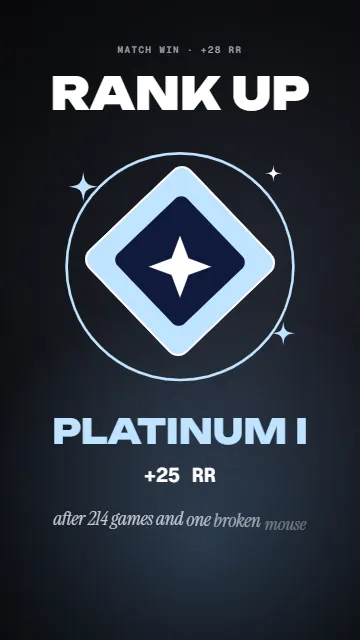 ProRank up
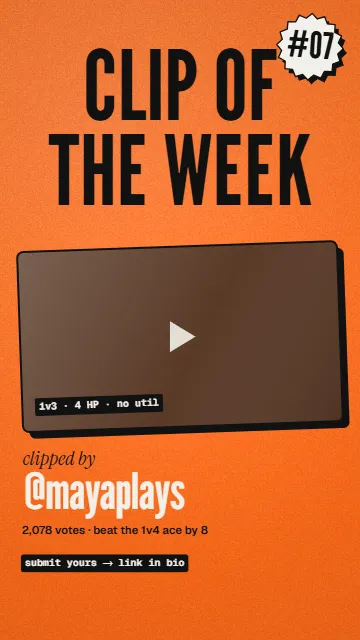 Clip of the week
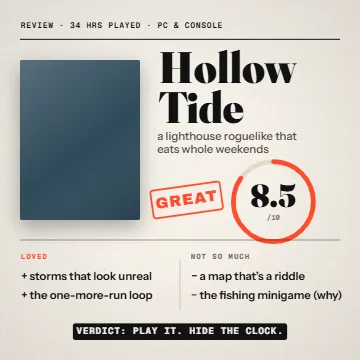 Game review
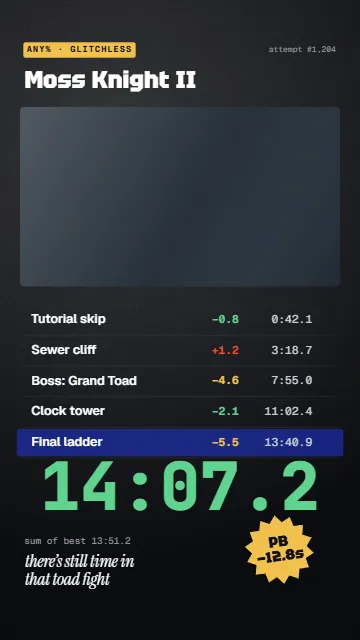 ProSpeedrun splits
 Pixel title screen
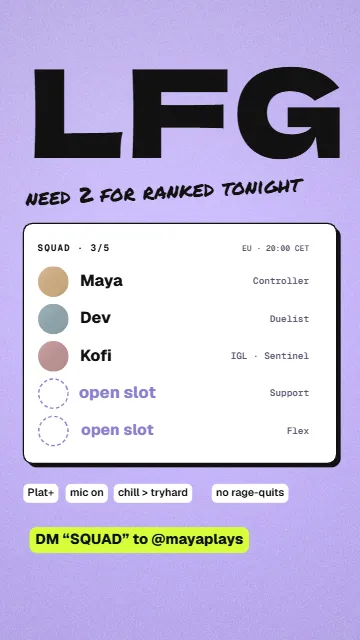 LFG squad
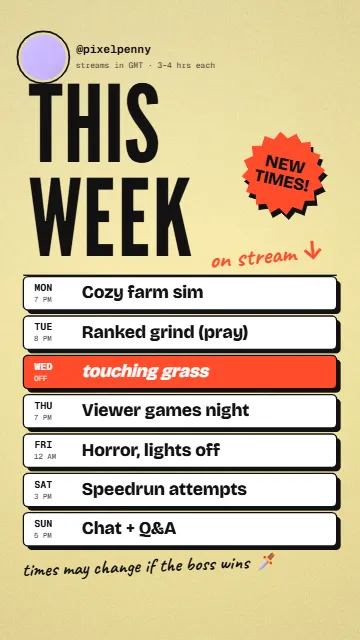 Stream schedule
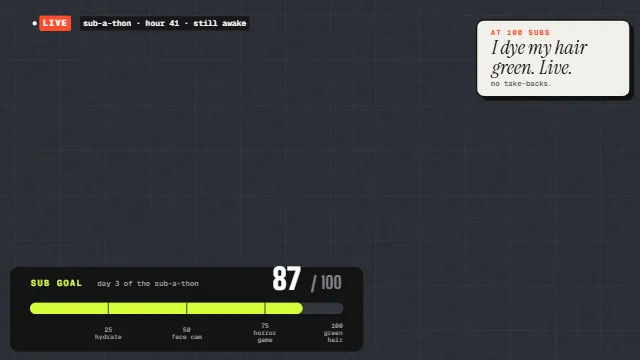 ProSub goal overlay
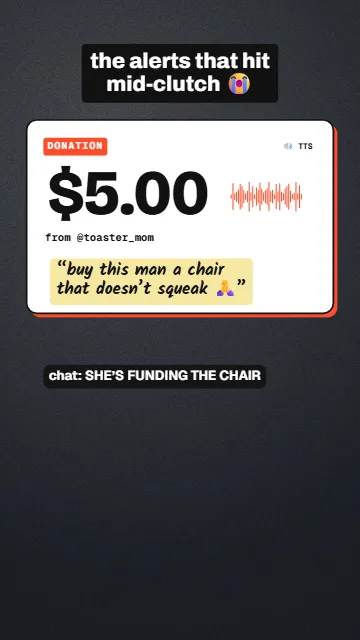 Follower alert
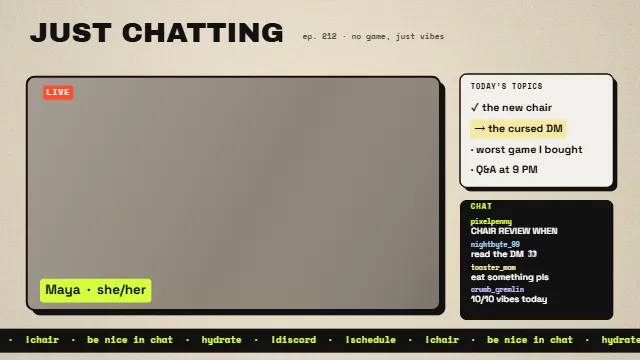 Just chatting
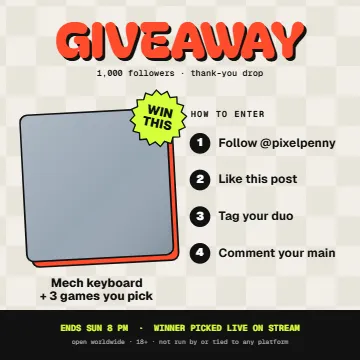 ProGaming giveaway
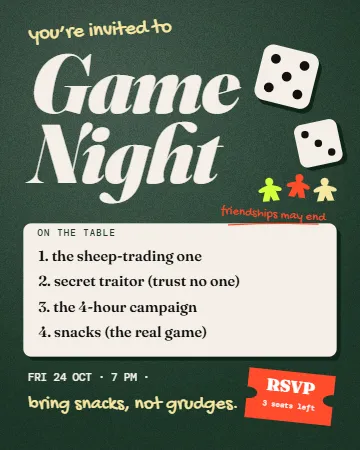 Board game night
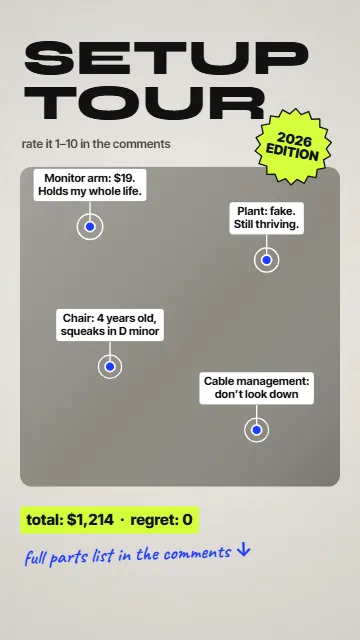 Setup tour
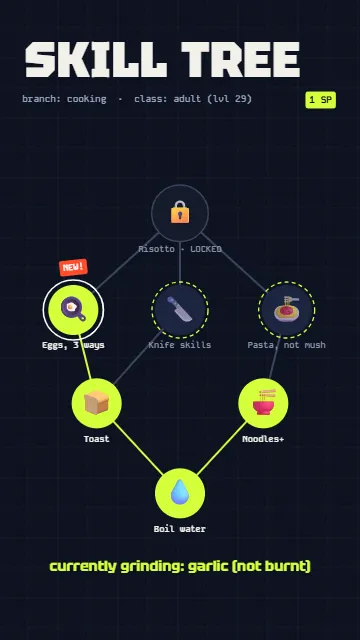 ProSkill tree
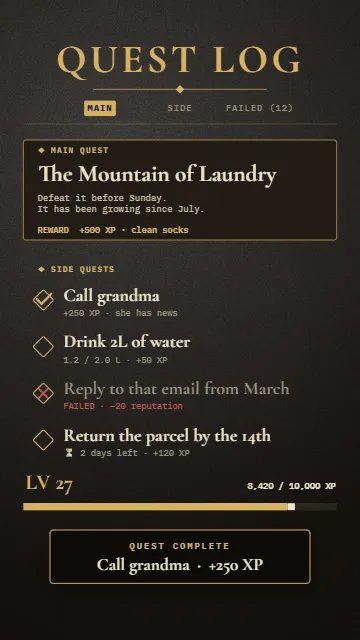 Quest log
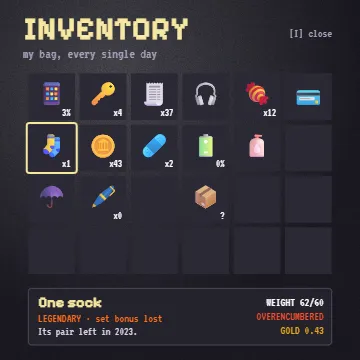 Inventory
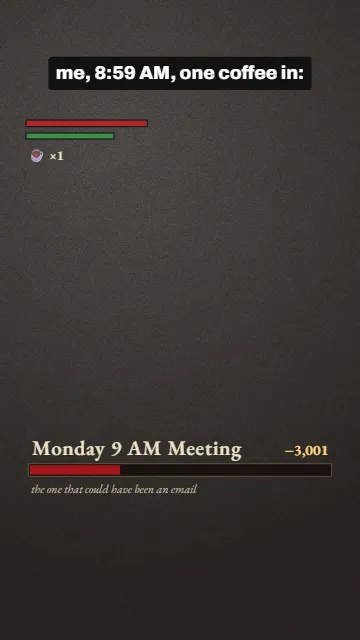 Boss fight meme
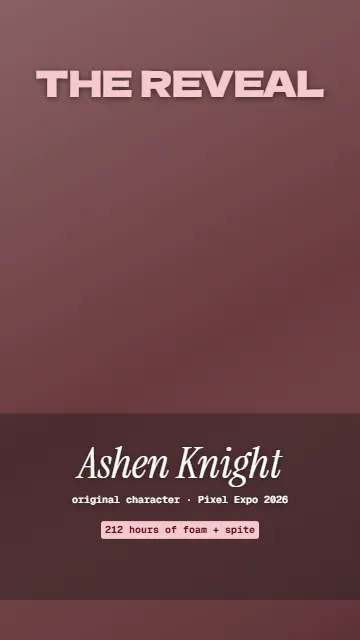 Cosplay reveal
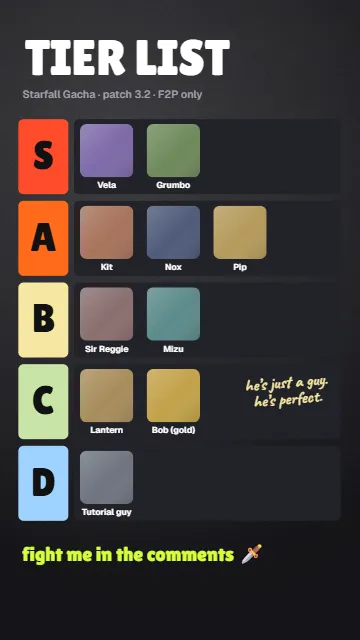 Character tier list
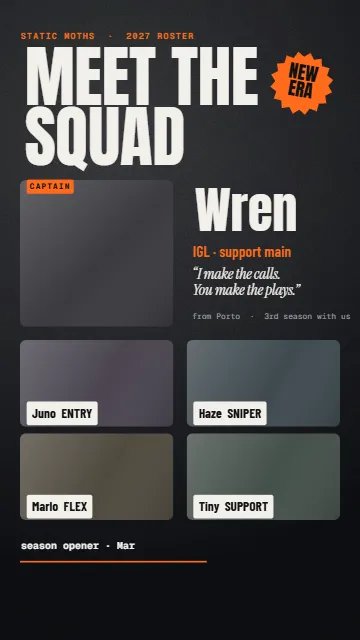 Roster announcement
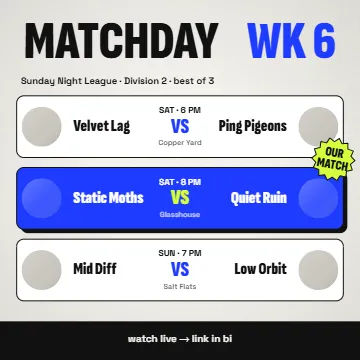 Matchday fixtures
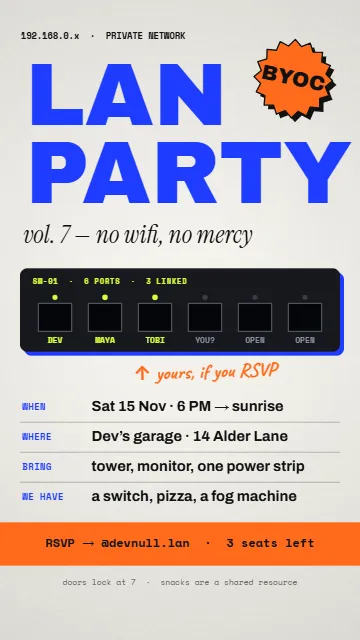 ProLAN party invite
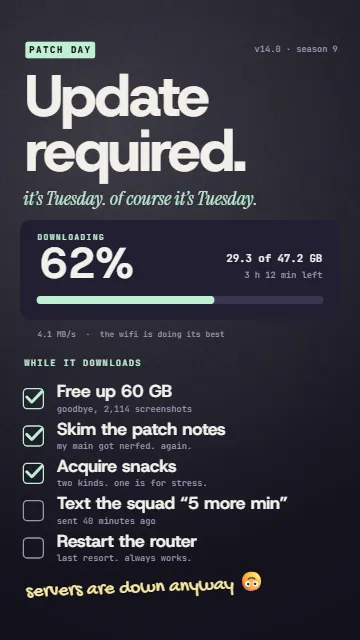 Patch day checklist
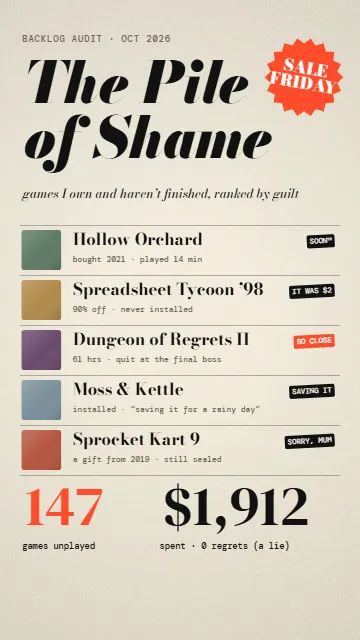 ProBacklog of shame
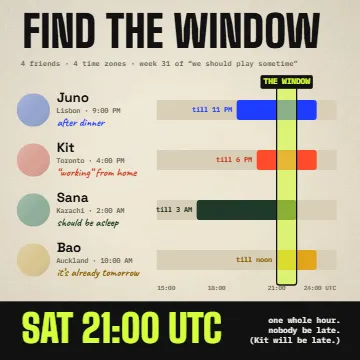 ProCo-op time zones
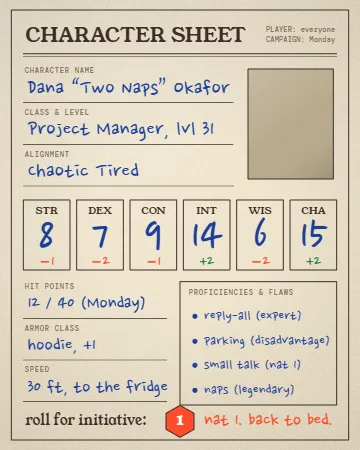 Character sheet
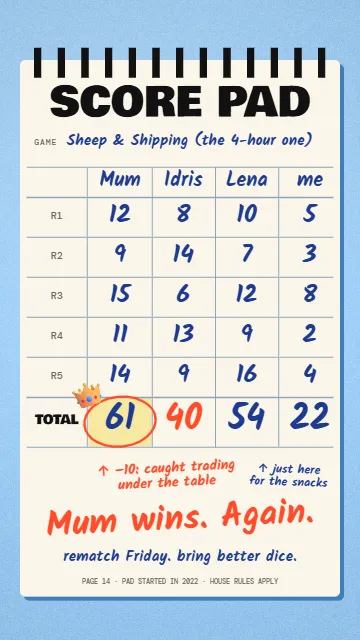 ProGame night score pad
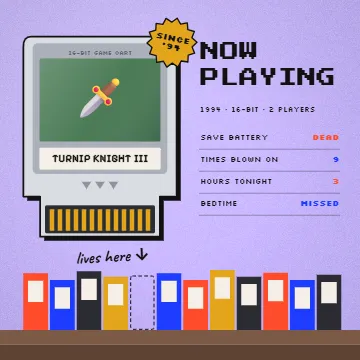 ProCartridge shelf
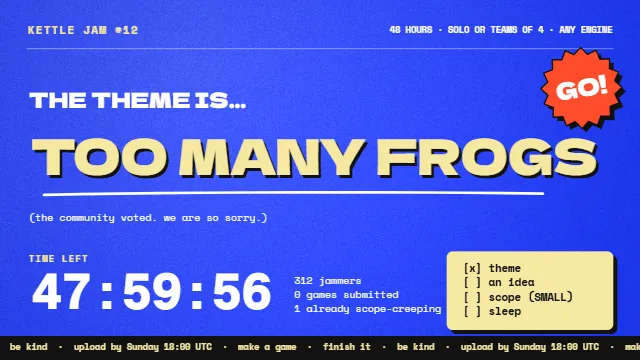 Game jam theme reveal
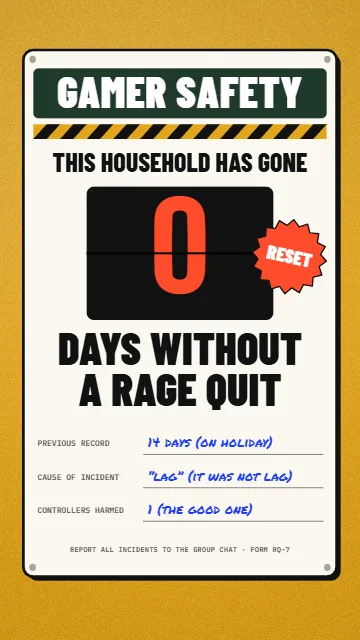 ProRage quit counter
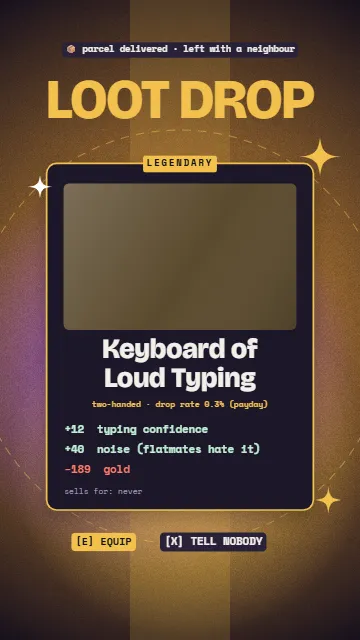 Loot drop unboxing
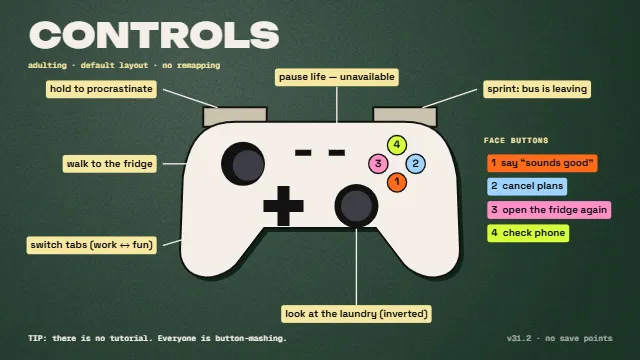 Controls layout
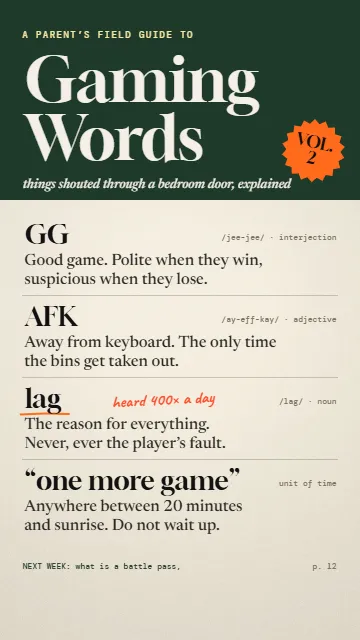 Gaming words guide
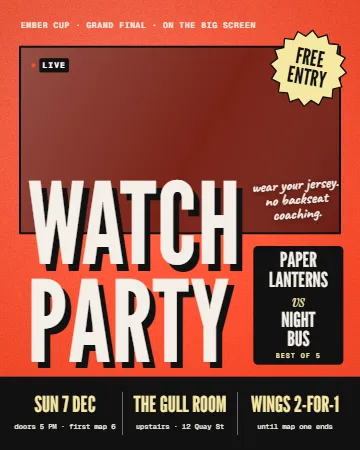 ProFinals watch party
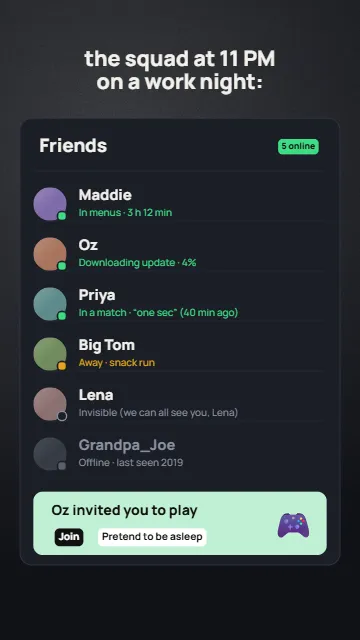 Friends list
 ProLoading screen tips
 Lock-on
Make them work harder
Post the result while the lobby is still open
Keep the match result project ready with your logo and colours. After the game you only type the score and the opponent, export and post before the other team does.
Lay the overlay over your best ten seconds
The kill feed, achievement and rank-up designs are made to sit on a clip. Trim the gameplay to the moment itself and slide the pop-up so it lands on the play, not before it.
Announce the schedule on the same day each week
Viewers plan around a schedule they can screenshot. Export the stream schedule with the new days, times and games every Sunday and pin it.
Questions? Answers.
Are the gaming video templates free?
Yes. Edit any stream scene, result card or overlay with a free account and export in 720p with a small watermark; paid plans remove the watermark. Premium templates are part of the Pro plan.
Can I use these in OBS or other streaming software?
They export as MP4 video, not as live browser sources. A rendered BRB or ending scene can be added to your streaming software as a video file; a figure such as a sub goal stays as it was when you exported.
Can I put a template over my gameplay clip?
Yes. Import the clip, place it on the track under the overlay and trim both on the timeline. The kill feed, achievement toast and boss health bar are designed with footage underneath.
Can I add my team logo and colours?
Yes. Upload the logo as an image, recolour any text or shape and save the project, so every result, fixture and roster post starts from the same branded file.
Free gaming and esports video templates
Free account · No credit card · Opens in your browser
Start with “Match result”